

Did you open a server and is it still three empty channels where no one writes?
Opening a server on Discord is one click; setting it up properly is forty decisions no one explains to you: how many categories, which channels, what they're called, which roles to create, what permissions each role has in each channel, what to put in the rules, and how to welcome whoever joins. This app makes those decisions for you and returns them in an applicable form. First it looks at your server for real: using your invite link, it queries Discord's public API and reads the name, icon, description, enabled features, boost level, total members, and current online count, and with that it gives you a score from 0 to 100 across four blocks and a plan of up to 7 actions ordered from free and highest-impact to what requires boosts. With the diagnosis done, it generates the complete blueprint—categories, five channel types, roles with their hex color, and the permission matrix by category—the rules in Discord markdown, the native Onboarding with its questions and roles, and the visual identity with exact dimensions: 512×512 icon, 960×540 banner, 1920×1080 invite splash, and a pack of 8 to 12 128×128 emojis with transparent backgrounds. And it doesn't touch your server: there's no bot, no token, and no permissions requested.
無料で始める
Chatを使うメリット
Everything it generates is validated against Discord's real limits: if a piece requires you to enable Community or a boost level, it says so on screen instead of giving it to you broken.

すぐにアドバイス
保険のAIアシスタントにつながり、すぐに回答を受け取れます。
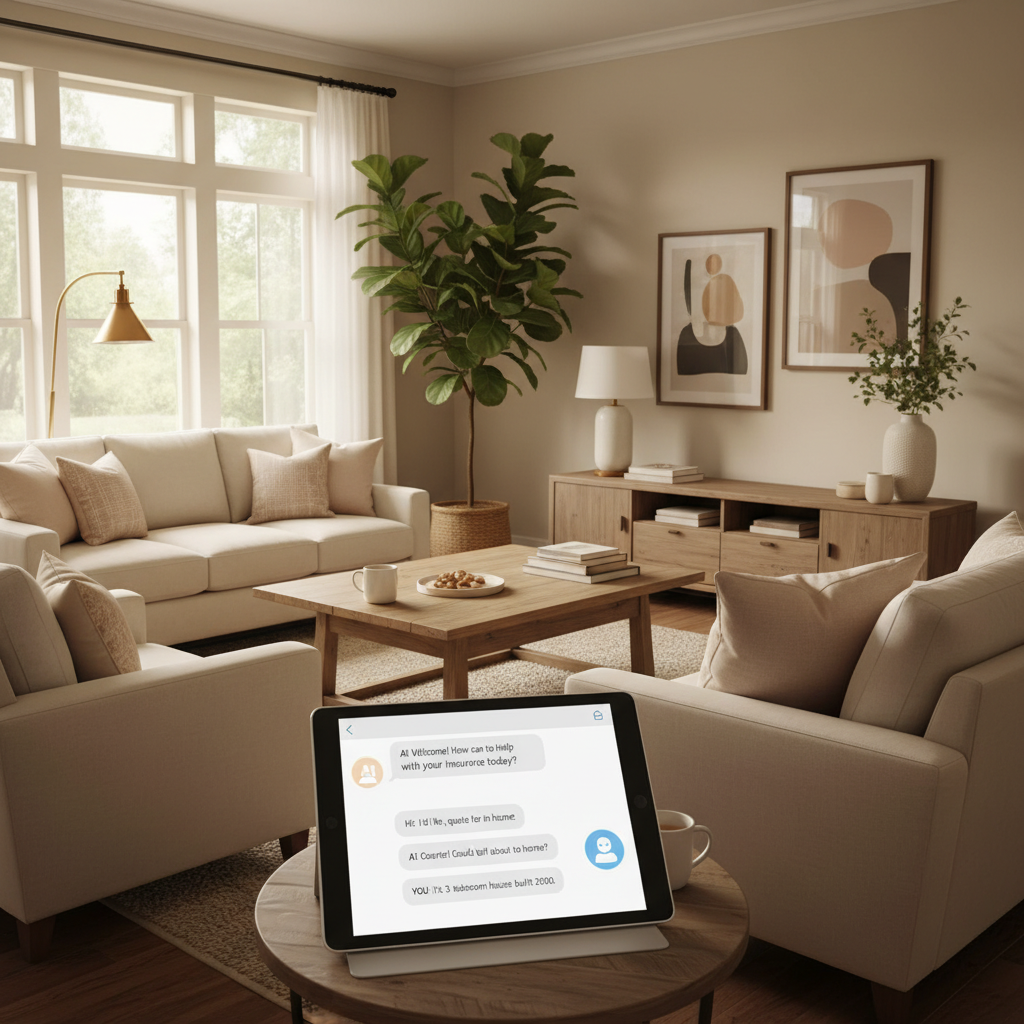
あなたに合った補償
あなたのニーズに合わせたおすすめを受け取れます。
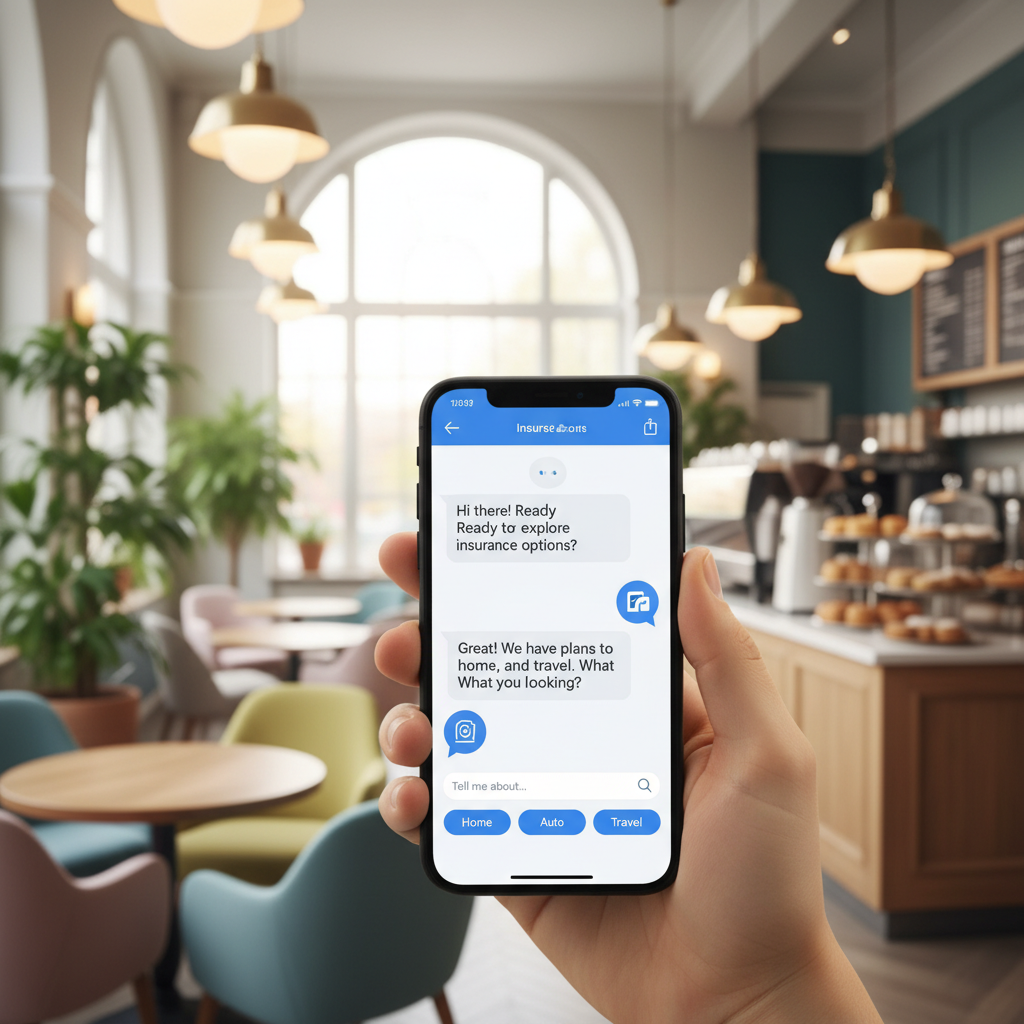
24時間365日利用可能
保険のAIアシスタントには時間を気にせずいつでも相談できます。
Chatの仕組み
Paste your invite link
The app reads your server's real public data and returns your score, gaps, and plan. If you don't have a server yet, skip this step and start directly with the project.
Confirm four decisions
Server purpose, name and tone, channel naming style, and moderation level. If you're coming from the audit, the wizard is pre-filled with your own server's data: you just confirm or correct.
Copy it to Discord step by step
Setup mode gives you one task per screen, in the right order, with the exact Discord path and values ready to copy, and it remembers where you left off when you come back. You can also take it with you in Markdown or JSON. With an account, you can also generate the icon, banner, invite splash, and emoji pack.
よくある質問
もう待たないでください!
Paste your invite link and see your score. No account, no bots, and no permissions on your server.