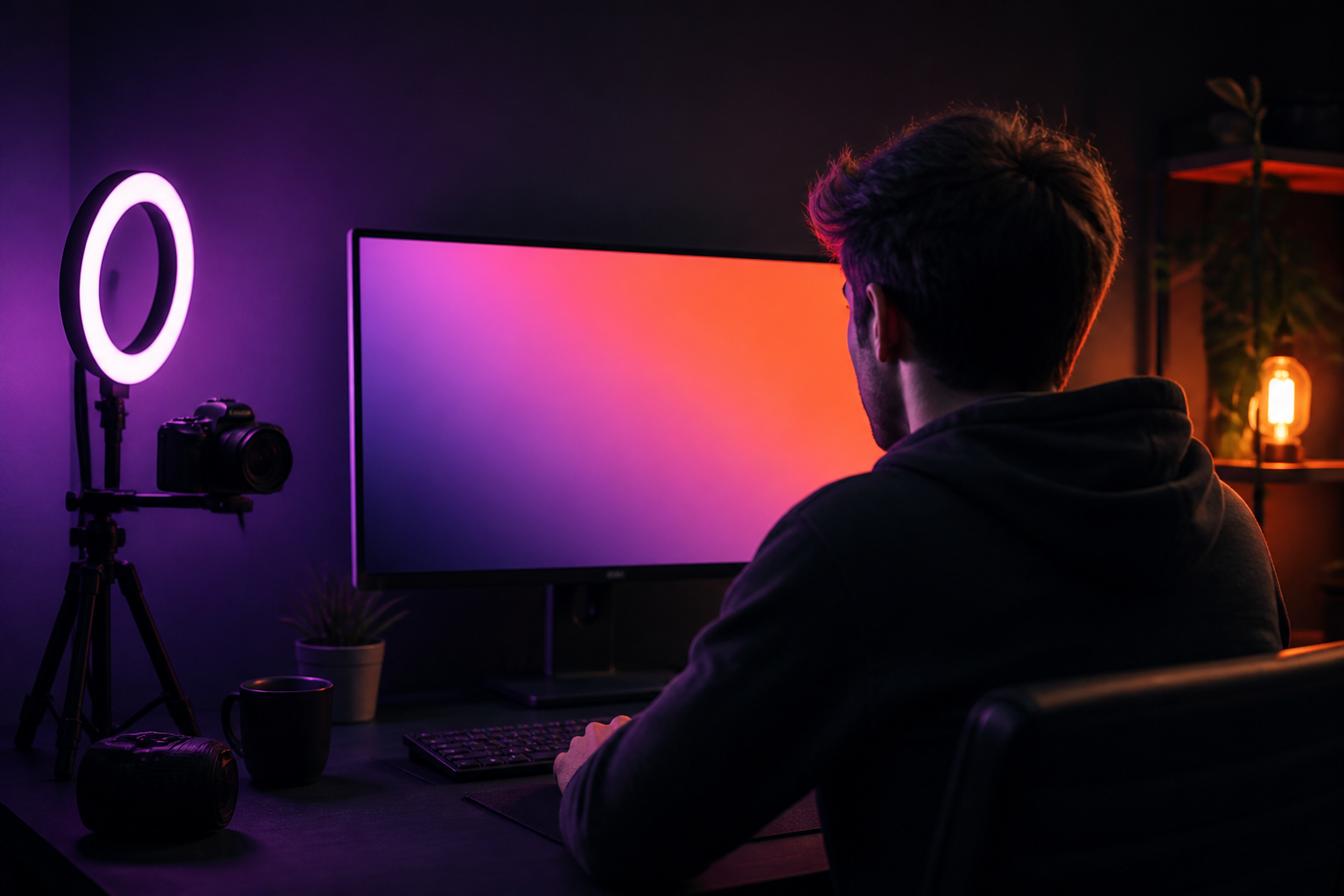
ThumbLab · Thumbnails that make sense before clicking
 AI
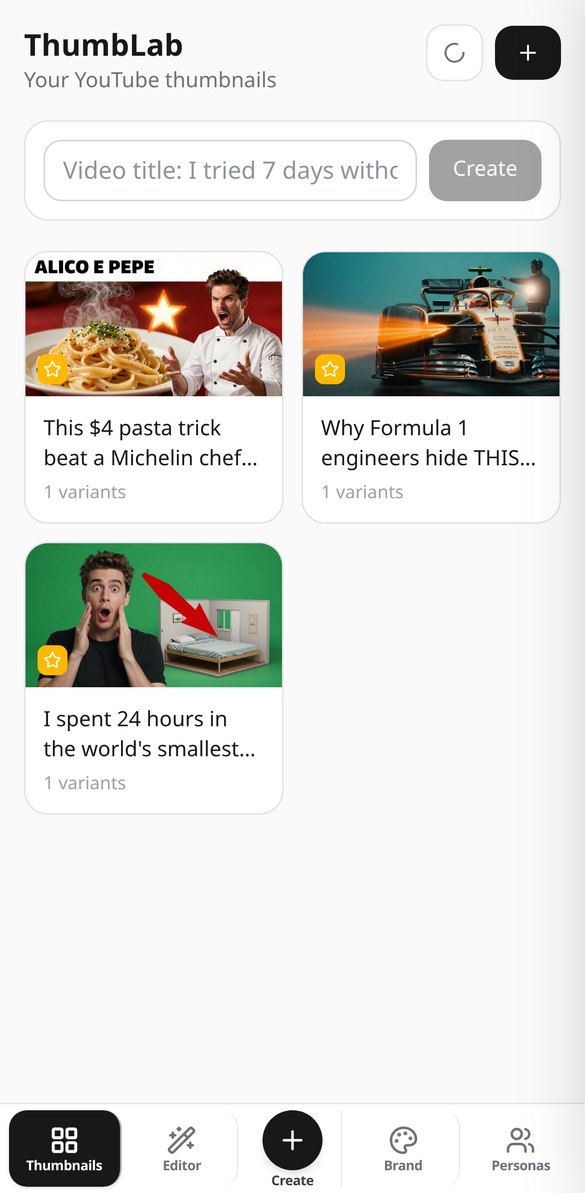
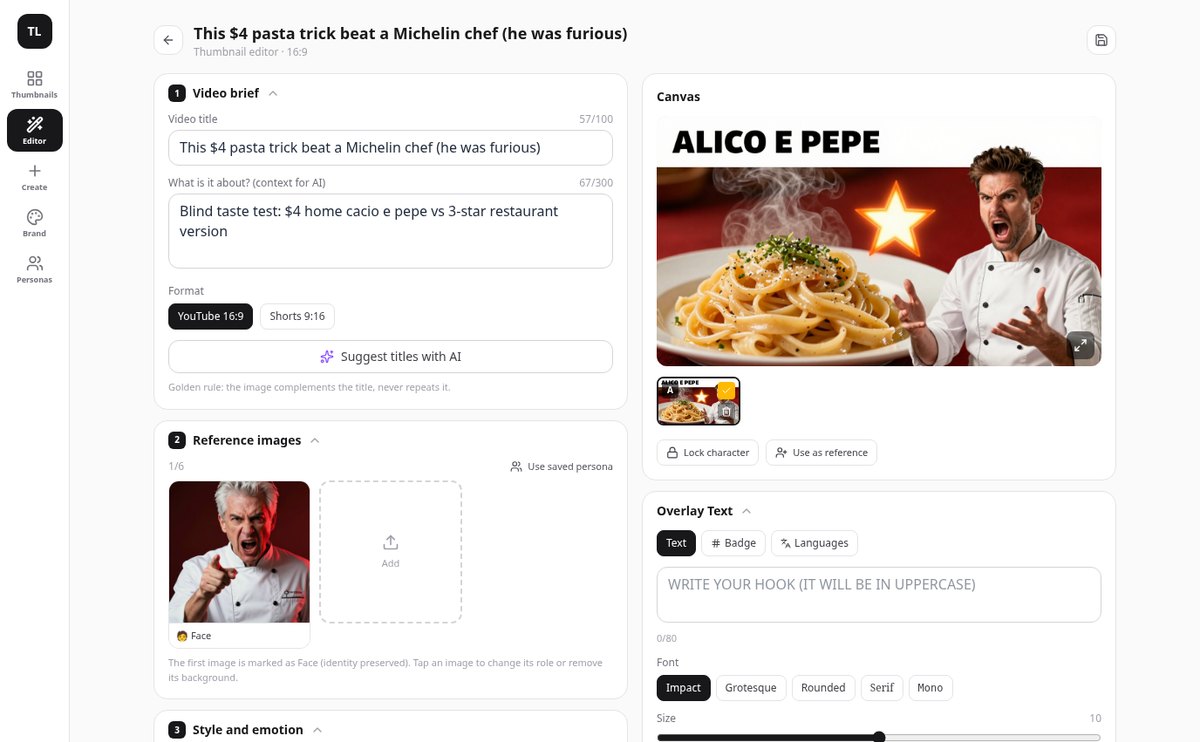
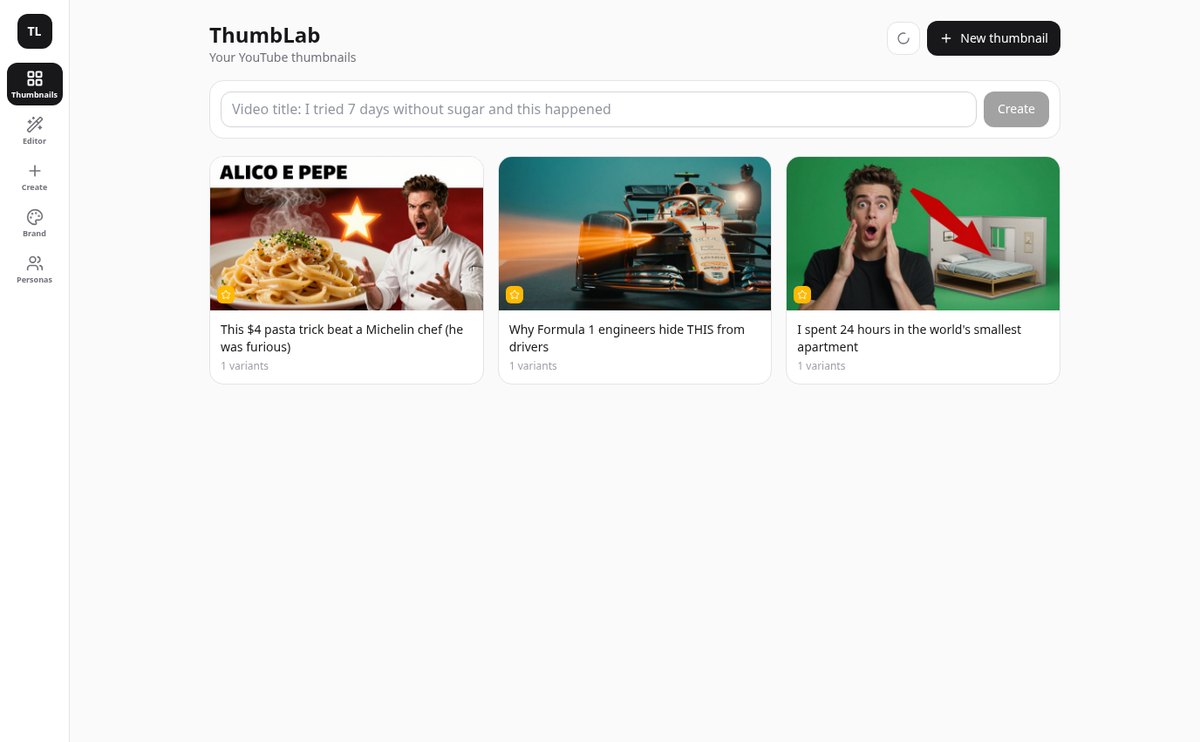
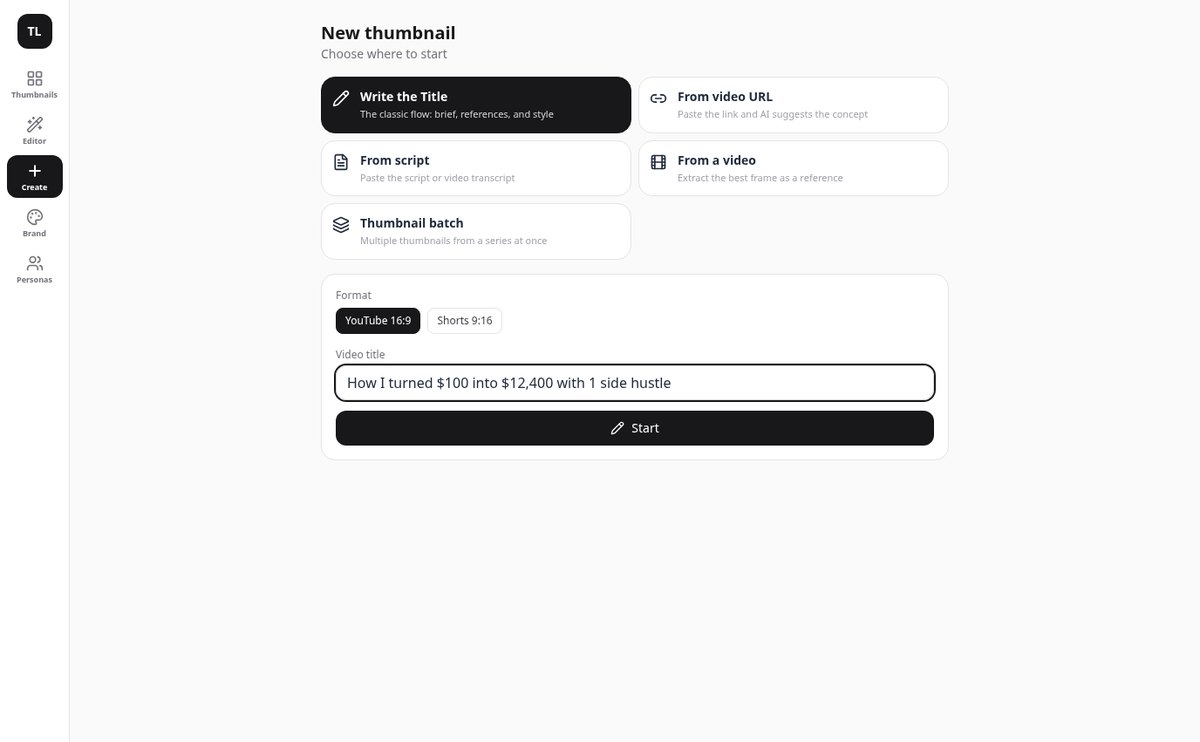
From video title to exported thumbnail without leaving the app: upload your face as a reference, generate two variants with AI, write the text on top, and check it reads at 120 pixels before publishing.
In the features that use AI, responses are generated by artificial intelligence and are not a substitute for professional advice.
Hai l'argomento in testa e nel documento, ma non vedi la struttura?
Il testo lineare nasconde la gerarchia: non si vede cosa dipende da cosa, cosa manca o cosa avanza. aiMindMap parte da una frase o dal tuo documento e ti restituisce l'albero completo, con l'idea centrale al centro e i rami distribuiti sui due lati. Da lì in poi scrivi solo: Tab crea un figlio, Invio un fratello e la mappa si riposiziona da sola, senza sovrapposizioni e senza che il nodo che stai scrivendo si sposti dalla sua posizione.
Start for free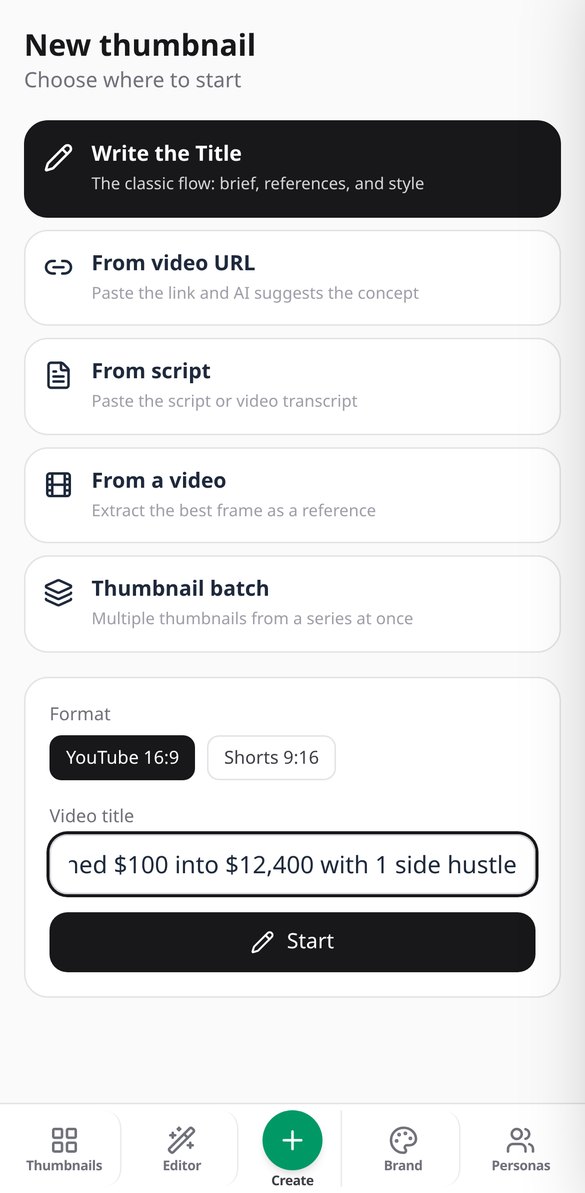
Discover every feature in detail
Generate 2 AI YouTube Thumbnails for A/B Testing | ThumbLab
Generate two A/B variants of your YouTube thumbnail with AI in one click, in 16:9 or 9:16 for Shorts, with editable prompt and real-size comparison. Try it for free on ThumbLab.
View feature
Extract the Best Frame from a Video with AI | ThumbLab
Upload your video and vision AI chooses the best frame for the thumbnail: six candidates, scored by expression, sharpness, and readability at 120 px. Without uploading the video to any server.
View feature
Thumbnail Idea from Video URL or Script | ThumbLab
Paste the YouTube, TikTok, or Vimeo link —or the video script— and the AI suggests a title, visual concept, style, emotion, and text hook for the thumbnail. Everything is editable.
View feature
Score your YouTube thumbnail's click-through rate with AI | ThumbLab
Score your YouTube thumbnail with AI: 0-100 score, criteria breakdown, improvement tips, and a warning if it’s not readable at 120 px. It also evaluates thumbnails you already have.
View feature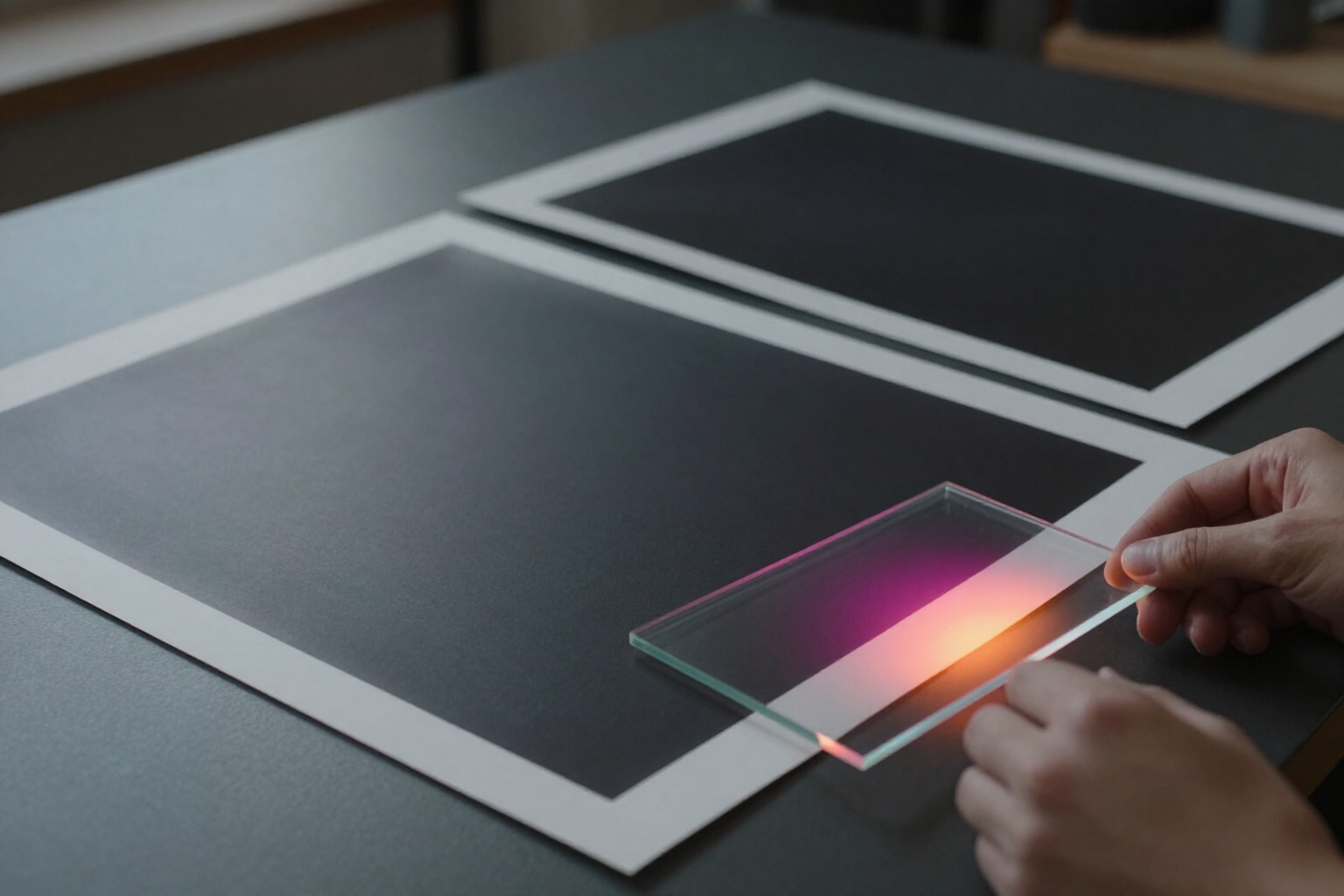
Retouch a Thumbnail Area with AI · ThumbLab
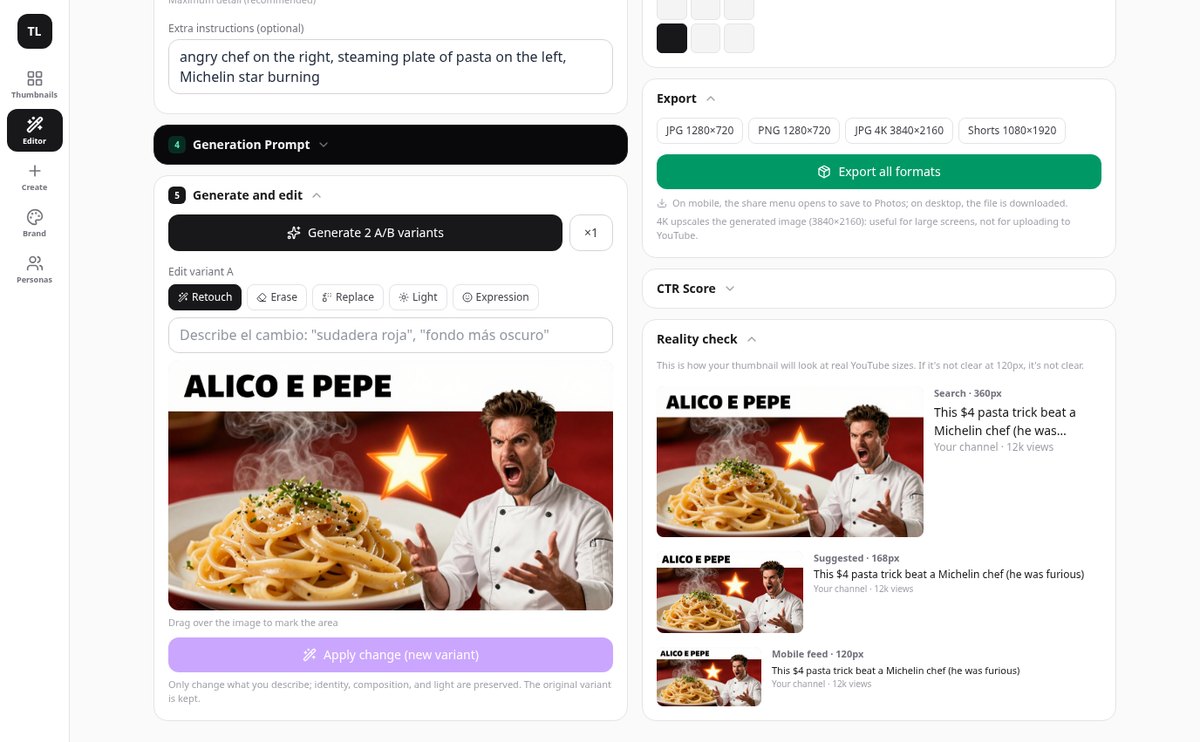
Mark an area of your YouTube thumbnail and edit it with AI: delete an element, replace it, match the lighting, or change the expression. The original is preserved.
View featureFrom video title to final thumbnail
Non è una tela bianca con forme sparse: è un albero con una sola radice, posizionamento automatico e l'IA come punto di partenza.
Your references, with their role
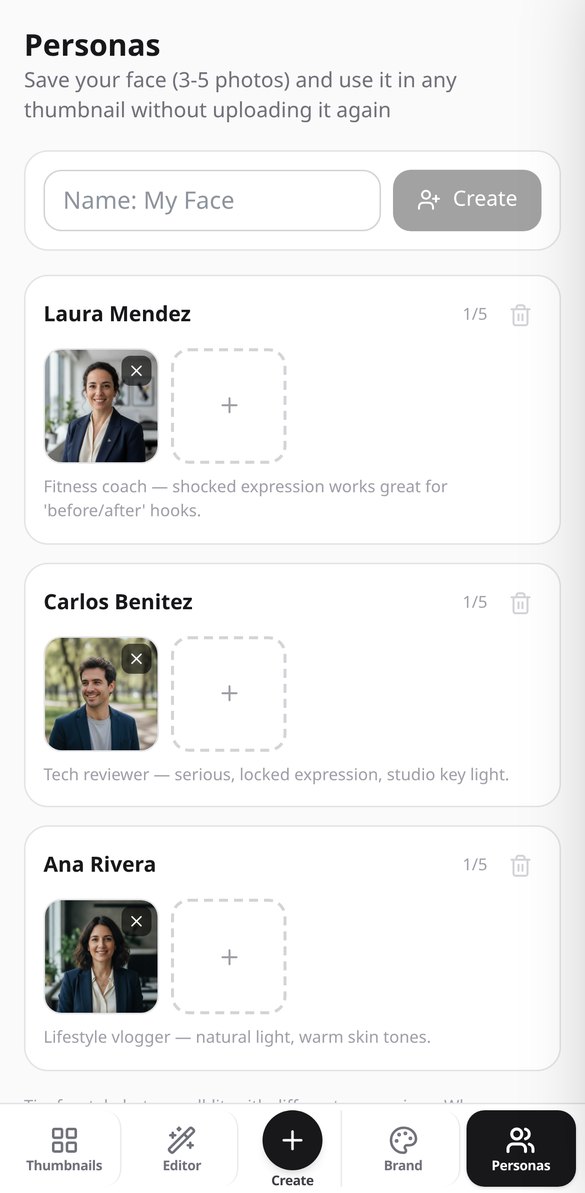
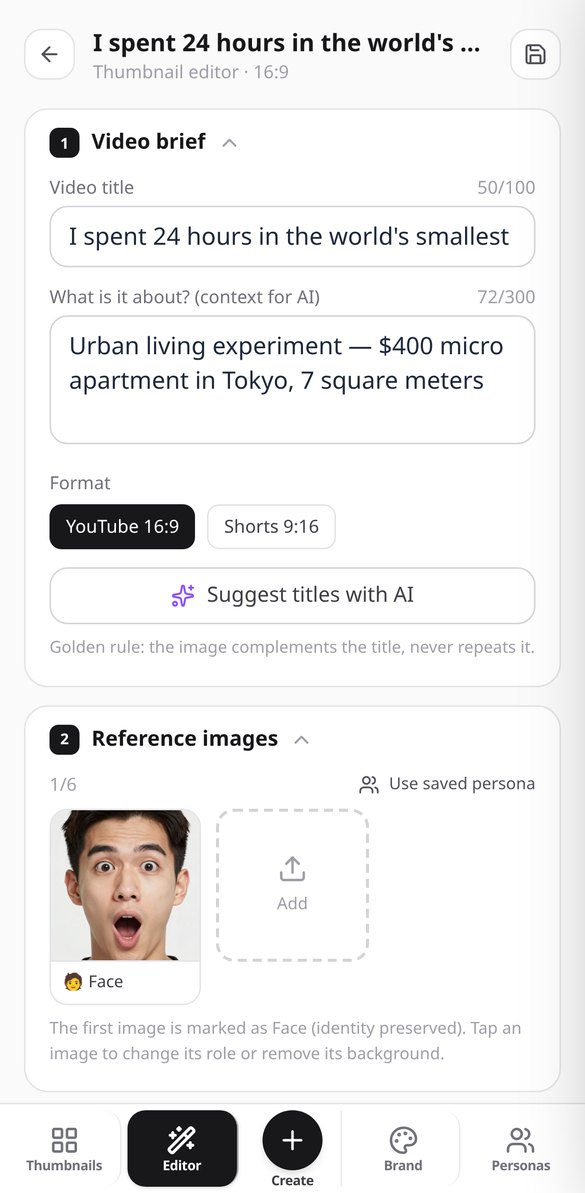
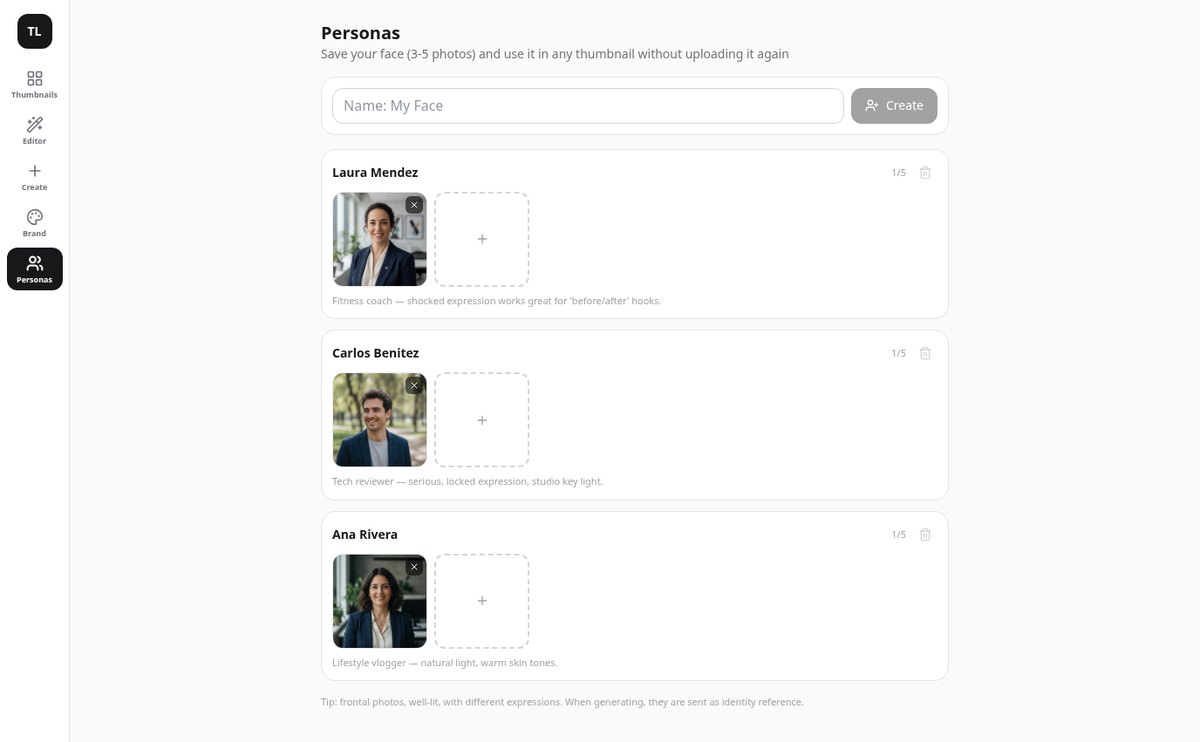
Upload up to 6 images and tell each one what it is: your face, a product, the background, or a style reference. The face always goes first so the AI respects your identity, and you can save up to 10 people with their photos to apply them to any video without re-uploading.
Two A/B variants and retouching without redoing
Generate two versions of the same idea, in 16:9 or 9:16 for Shorts, and compare them at full size. Retouch, erase an element, replace it, adjust the light, or change the expression by marking the area on the image and create a new variant: the original is never lost.
You add the text, not the AI
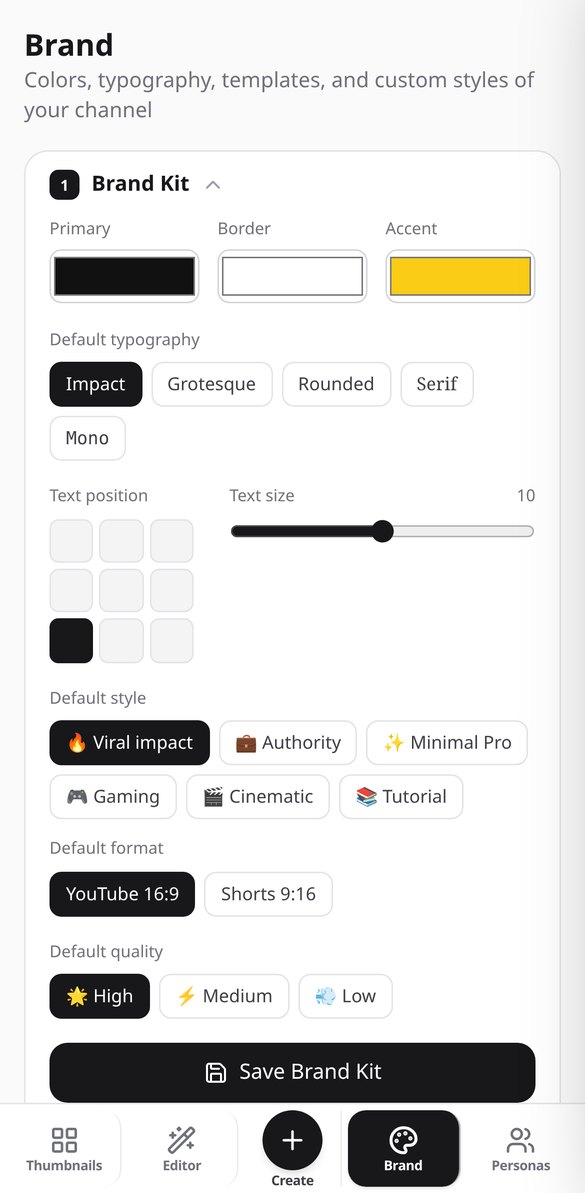
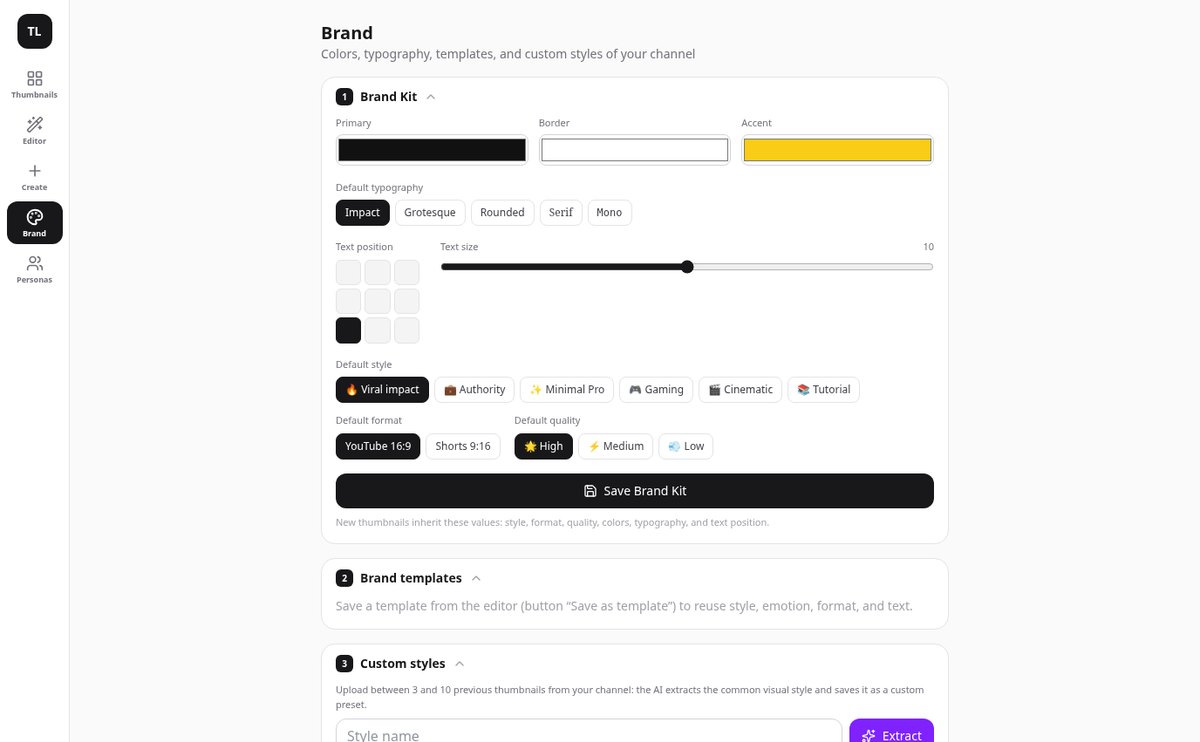
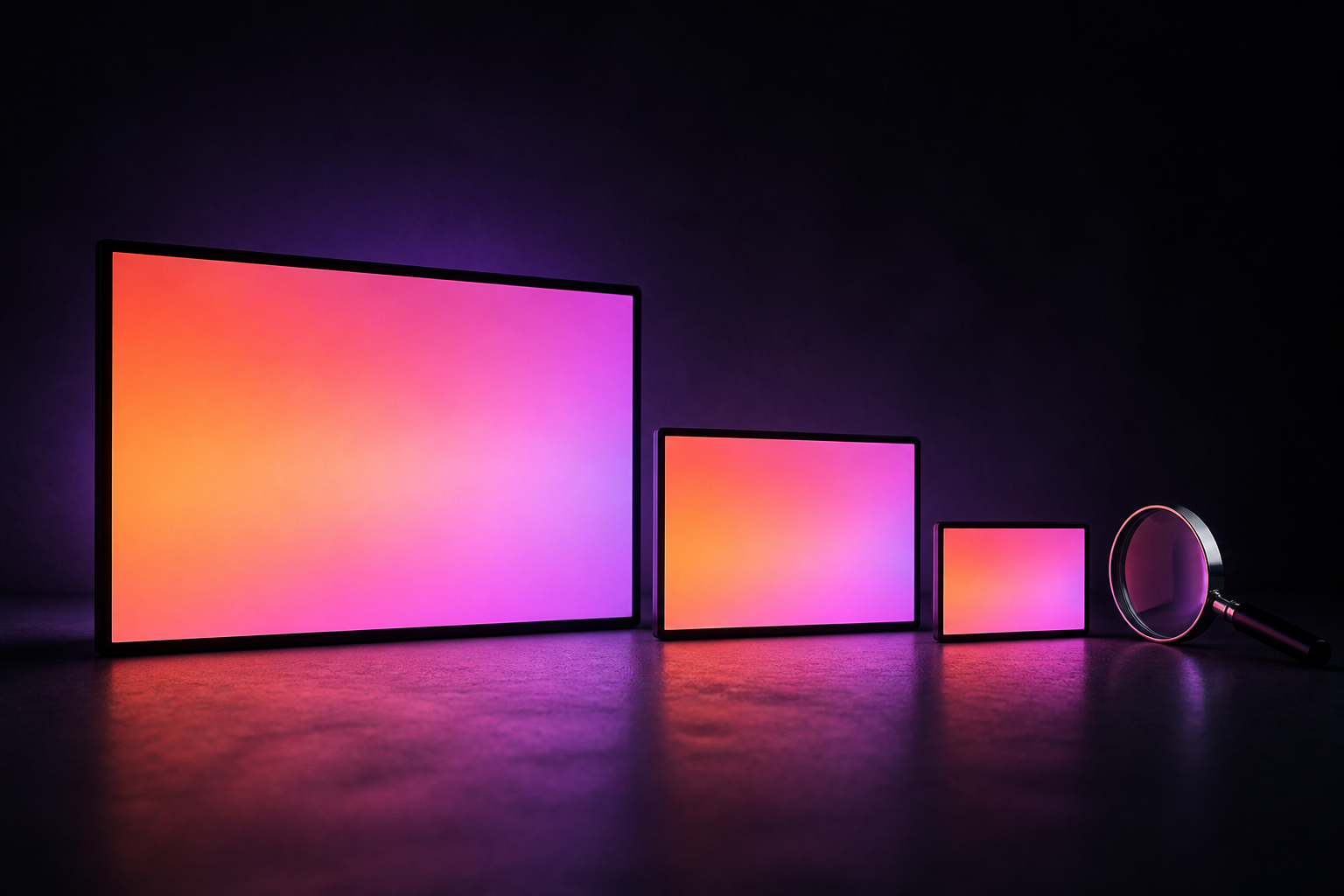
The image is generated without letters and with a reserved clean area. Typography, colors, outline, grid position 3×3, and numeric badge are composed on top and edited instantly, also in other languages. Reality check shows it at 360, 168, and 120 pixels, and the AI scores the CTR of the final composition.
Your thumbnail in three steps
Scrivi l'argomento o carica il documento
Crea una mappa vuota, parti da un modello (progetto, programma, verbale, SWOT, copione) o lascia che l'IA la generi dal tuo argomento o dal tuo PDF.
Modifica ed espandi
Tab per scendere di un livello, Invio per rimanere sullo stesso, trascina per riorganizzare e chiedi all'IA di ampliare il ramo che ti risulta troppo corto.
Presentalo o esportalo
Ripassa la mappa in modalità presentazione o scaricala in PNG, PDF o Markdown per condividerla con chi deve leggerla.
Frequently Asked Questions
Latest blog articles
Guides and news to get more out of it
Dynamic YouTube Thumbnails: How to Prepare the 3 Images Required by the New System
YouTube allows uploading 3 thumbnails per video and serves the one that fits best to each audience. How to prepare the three, measurements, and what to read in the metrics.
How to Create YouTube Thumbnails in 2026: Official Dimensions, the 120-Pixel Test, and a 5-Step Process
Official YouTube dimensions in 2026, the 120-pixel test, mistakes that sink your CTR, and a 5-step process to create your thumbnail with ThumbLab.
Create the thumbnail for your next video
Crea il tuo account gratis e trasforma il tuo primo argomento o il tuo primo PDF in una mappa mentale oggi stesso.