Aiscoloring – Create a Coloring Page · Create coloring pages with AI
 AI
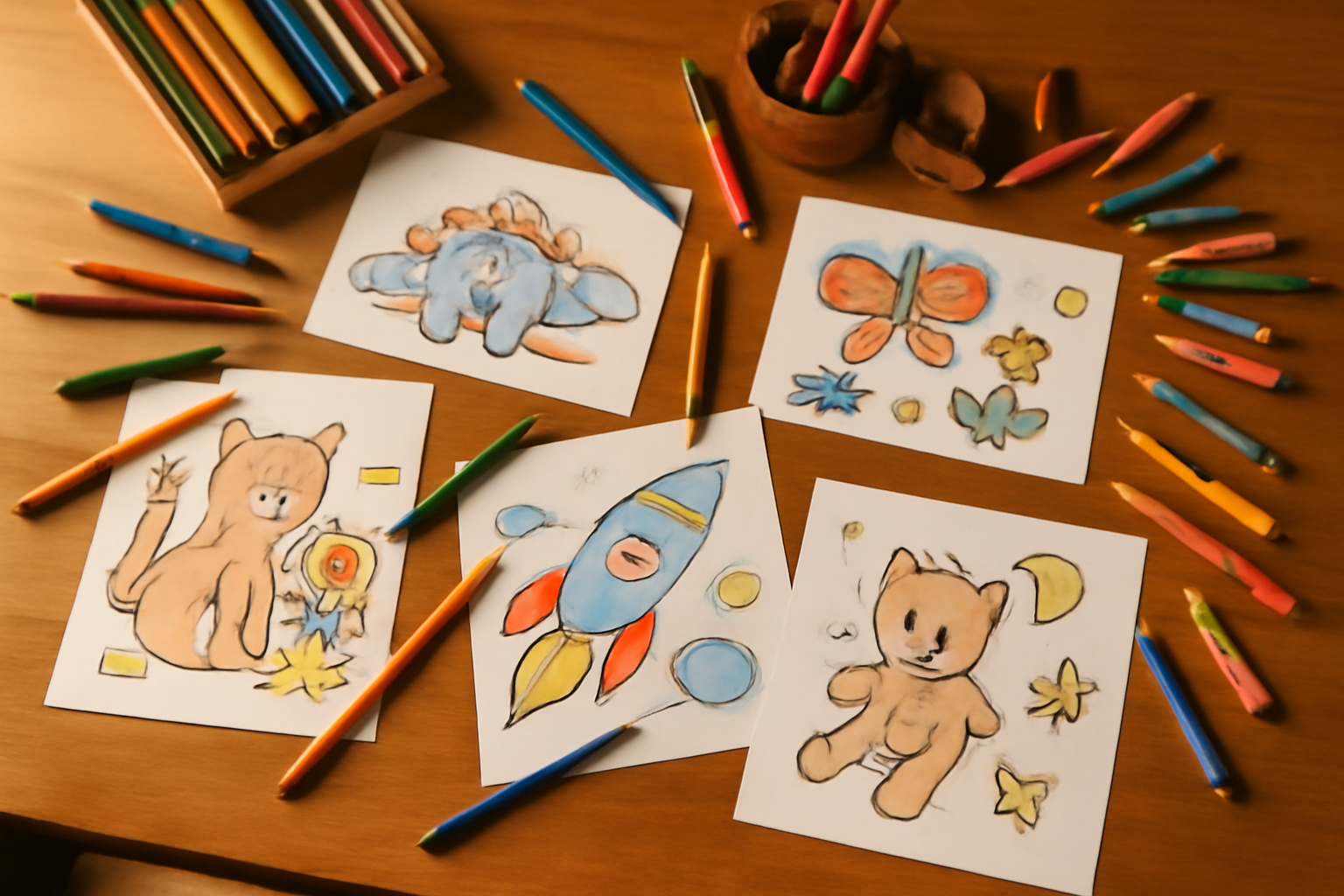
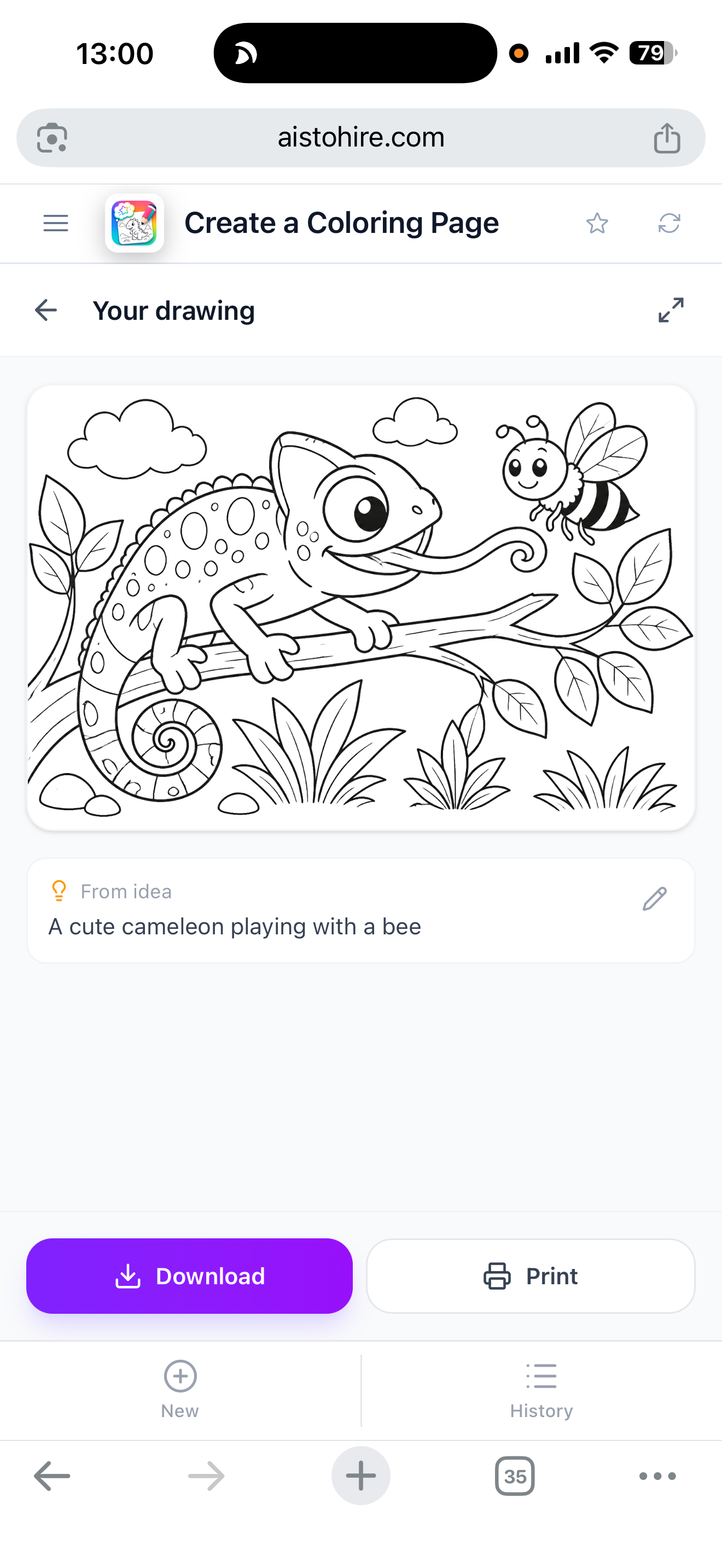
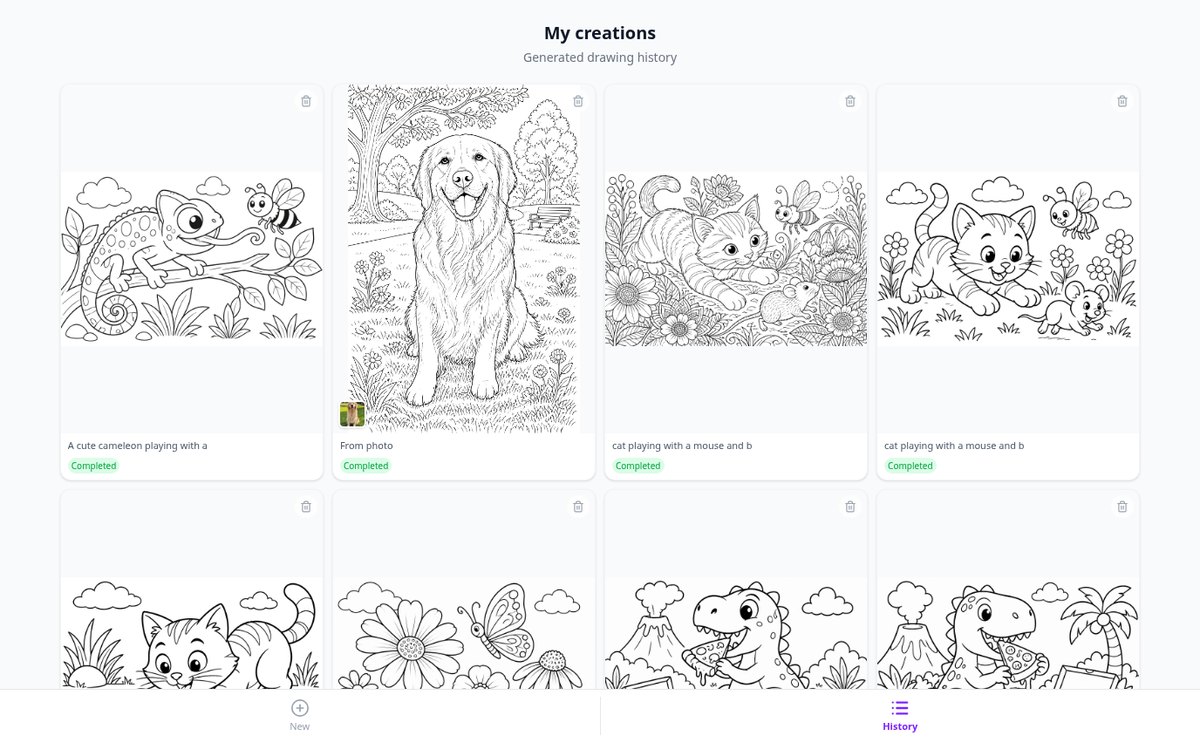
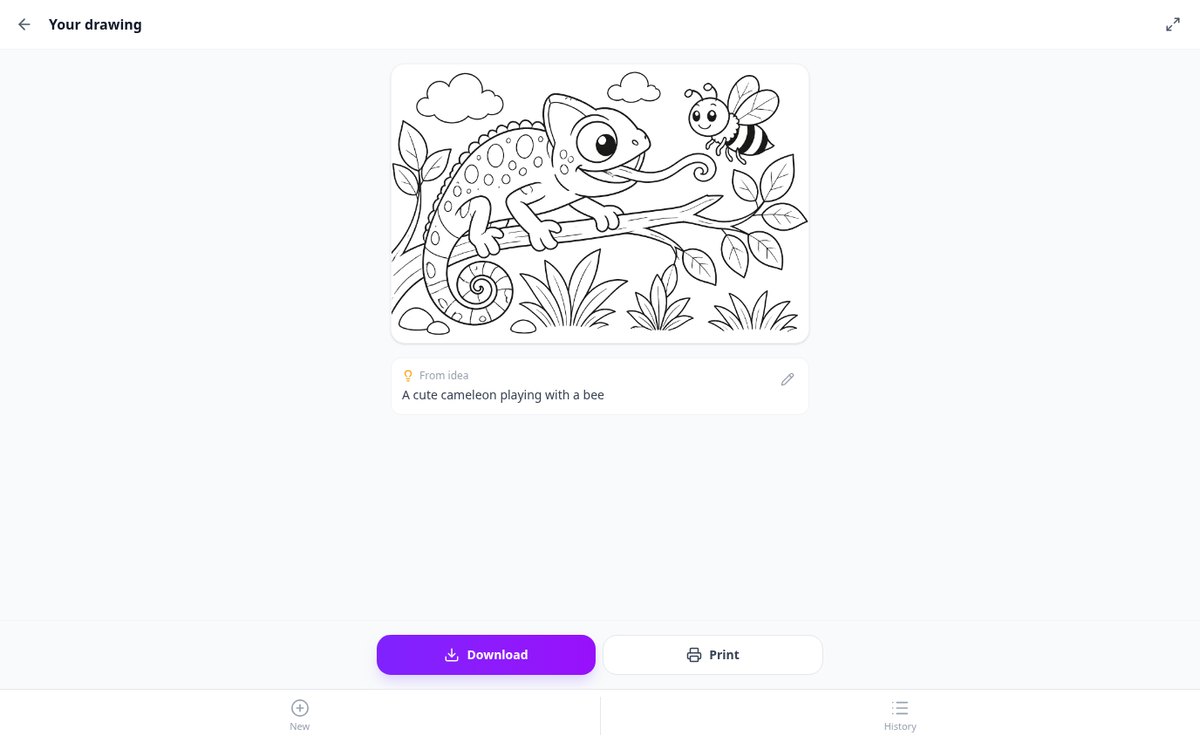
Describe any scene, character, or idea and get a beautiful black-and-white coloring page ready to print. Perfect for kids of all ages.
In the features that use AI, responses are generated by artificial intelligence and are not a substitute for professional advice.
You know the document exists, but Google sends you blogs that mention it instead of the official PDF?
Hardly anyone goes beyond typing three words into the search box, and the articles that explain how to do it better still recommend operators that Google retired years ago. This app builds the query for you from 11 fields —site or domain, file type, literal phrase, exclusions, alternatives, date range— and explains piece by piece what each operator does and what mistake people make with it. And if you already have a query that isn't working, you paste it in and the diagnosis tells you why: it looks for 22 different problems, flags the retired operators and gives you back the corrected version, ready to copy. The builder and the diagnosis run in your browser, so they're free, with no sign-up and no usage limit.
Start for free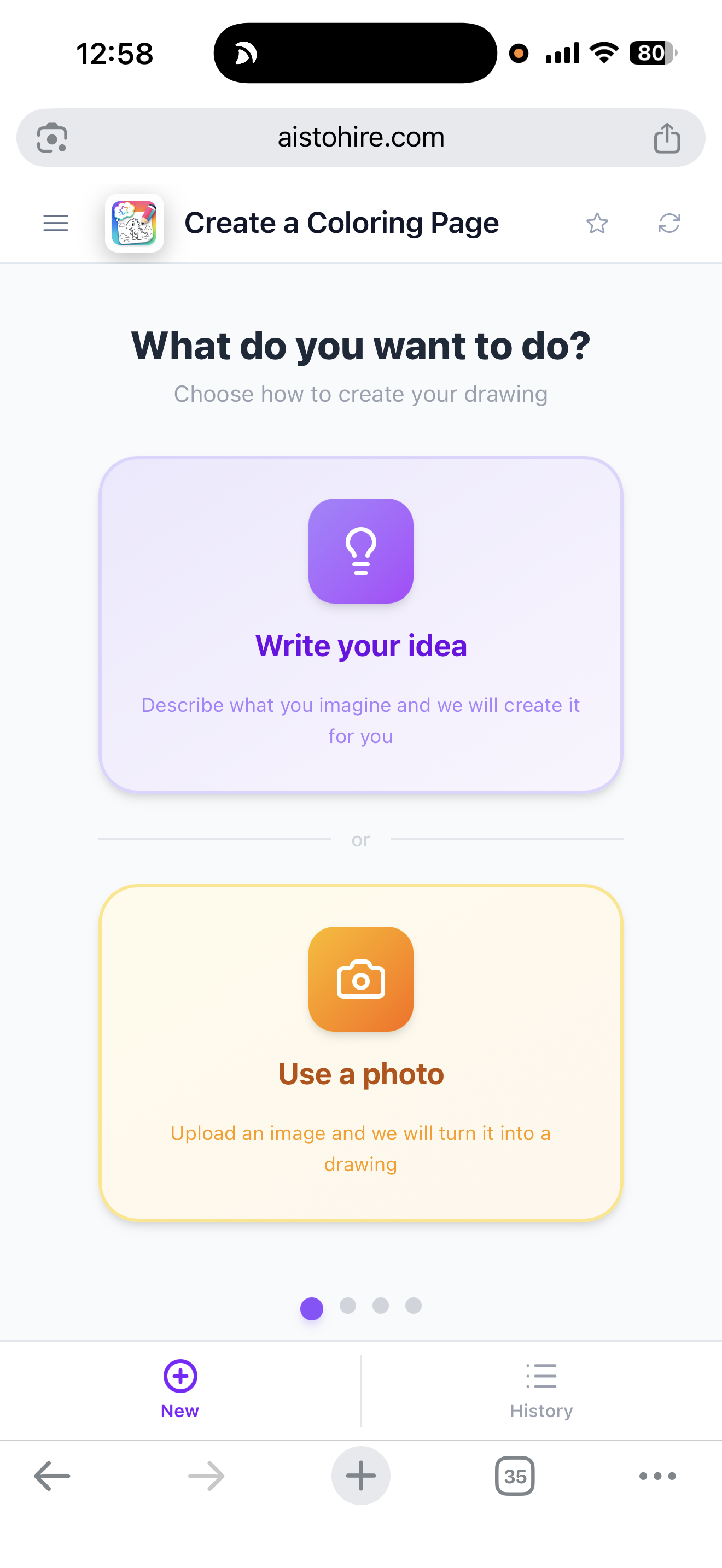
Discover every feature in detail
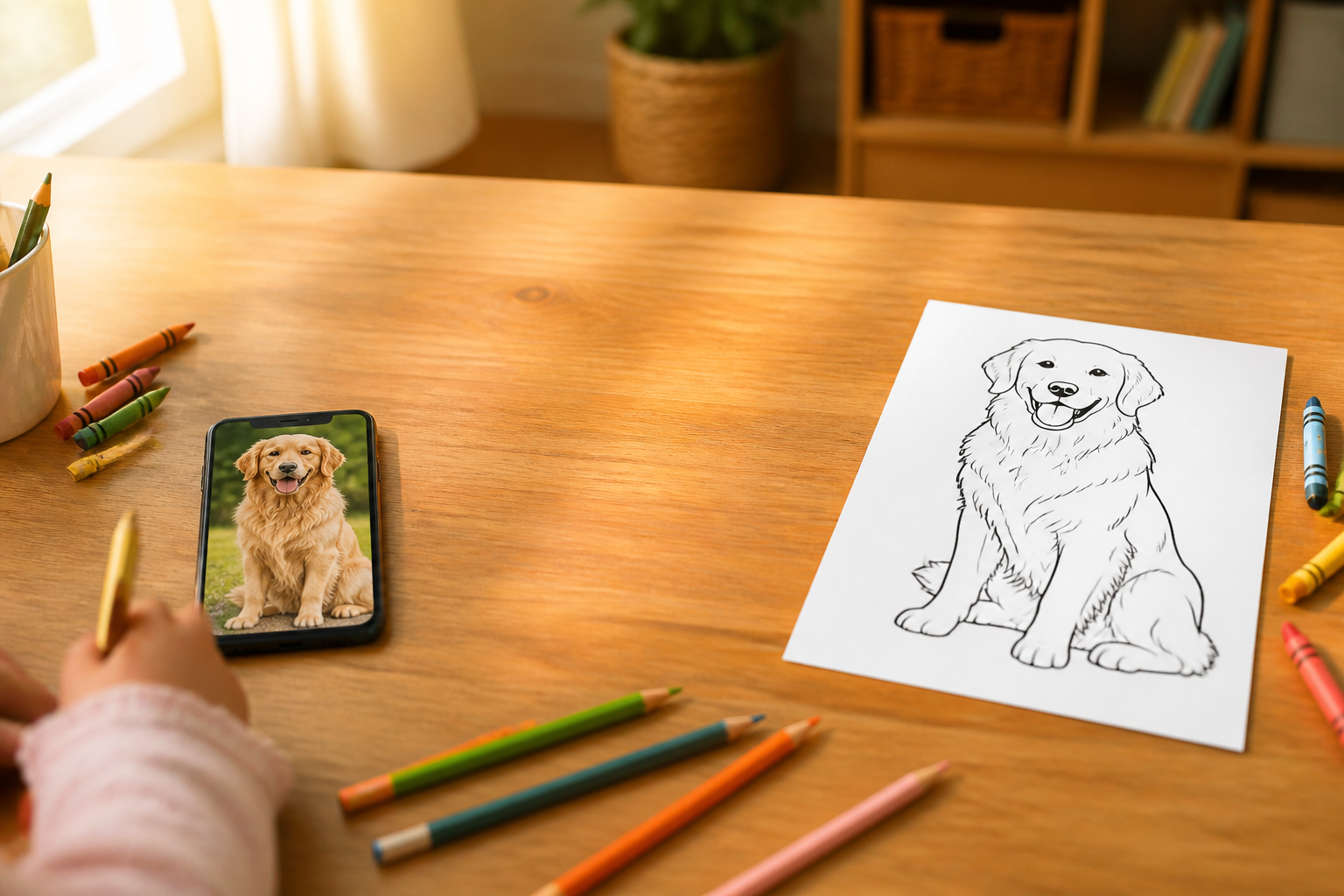
Convert a photo into a coloring drawing with AI | Aiscoloring
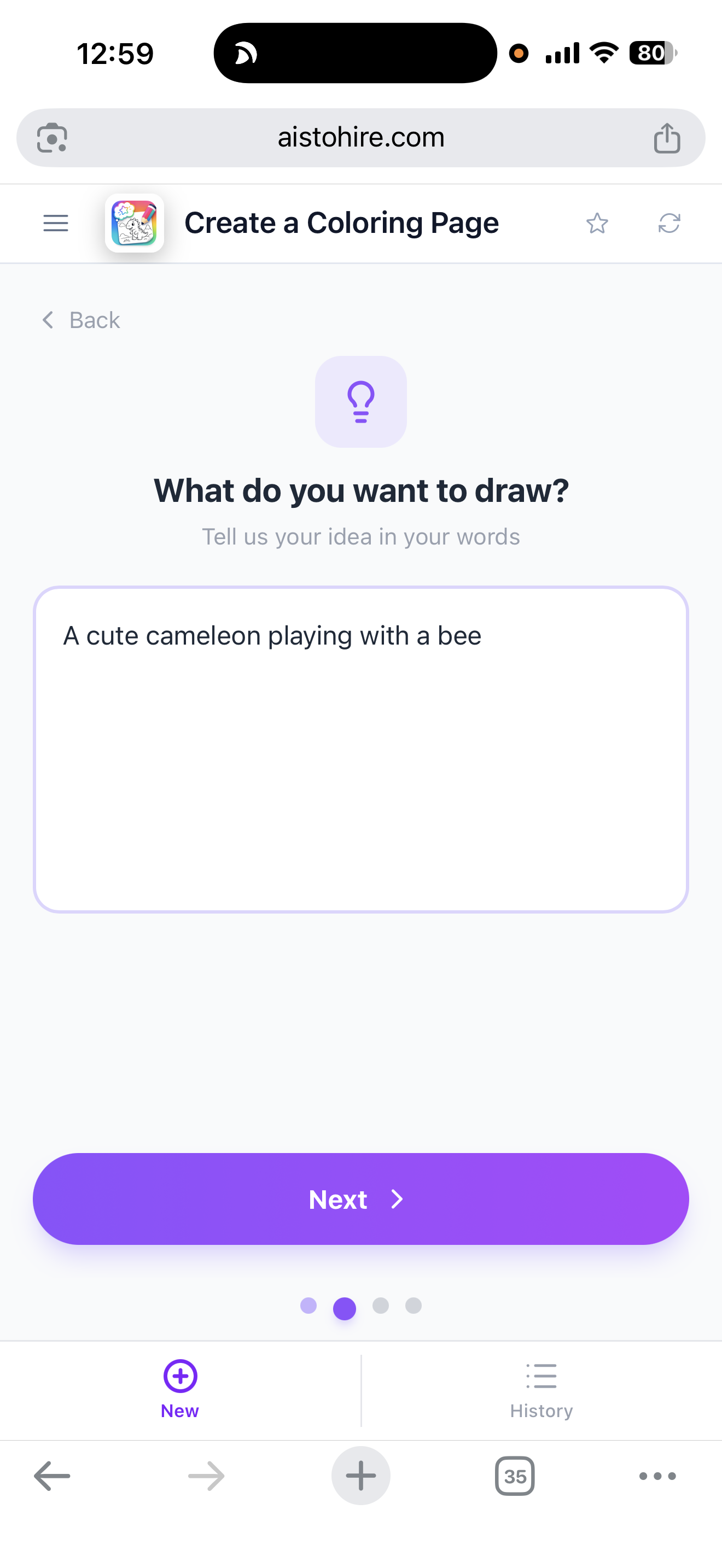
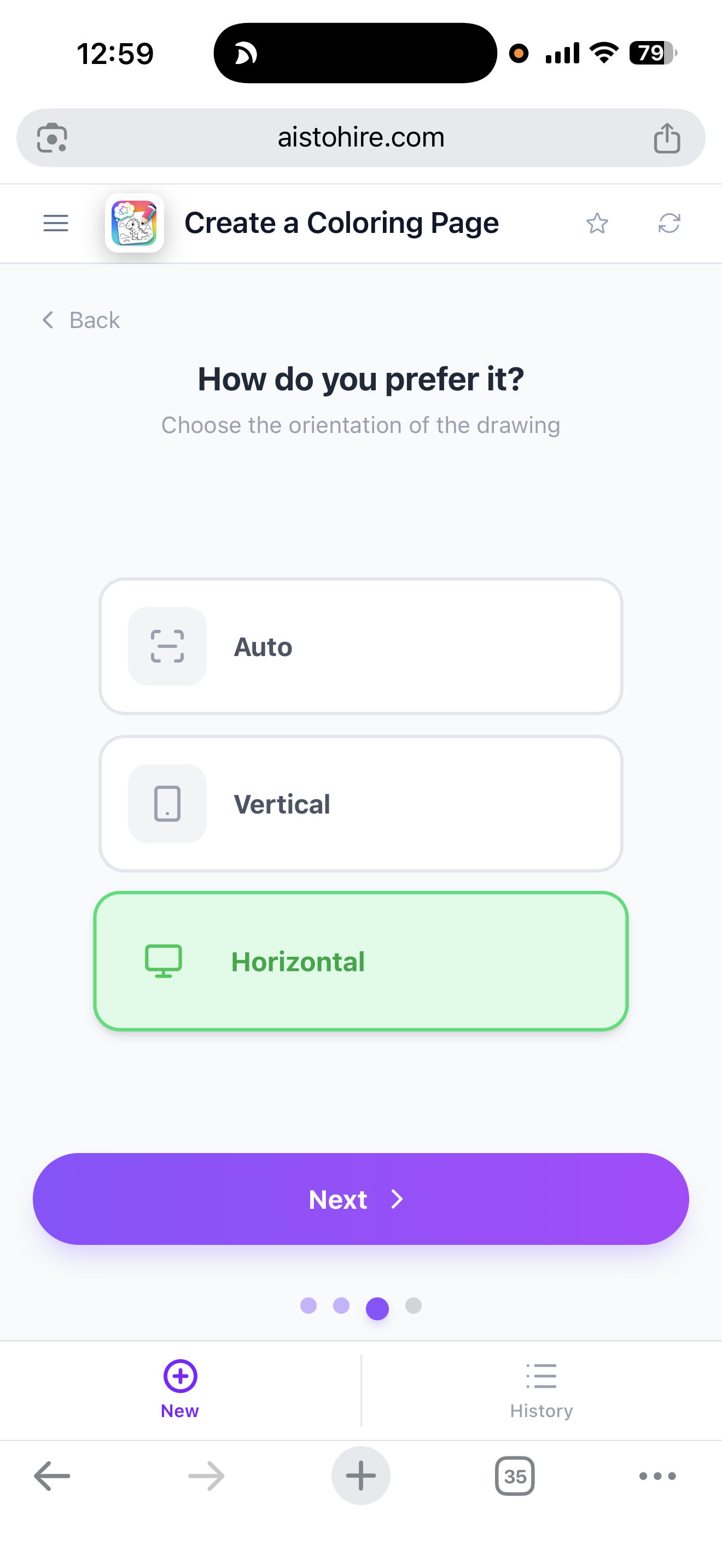
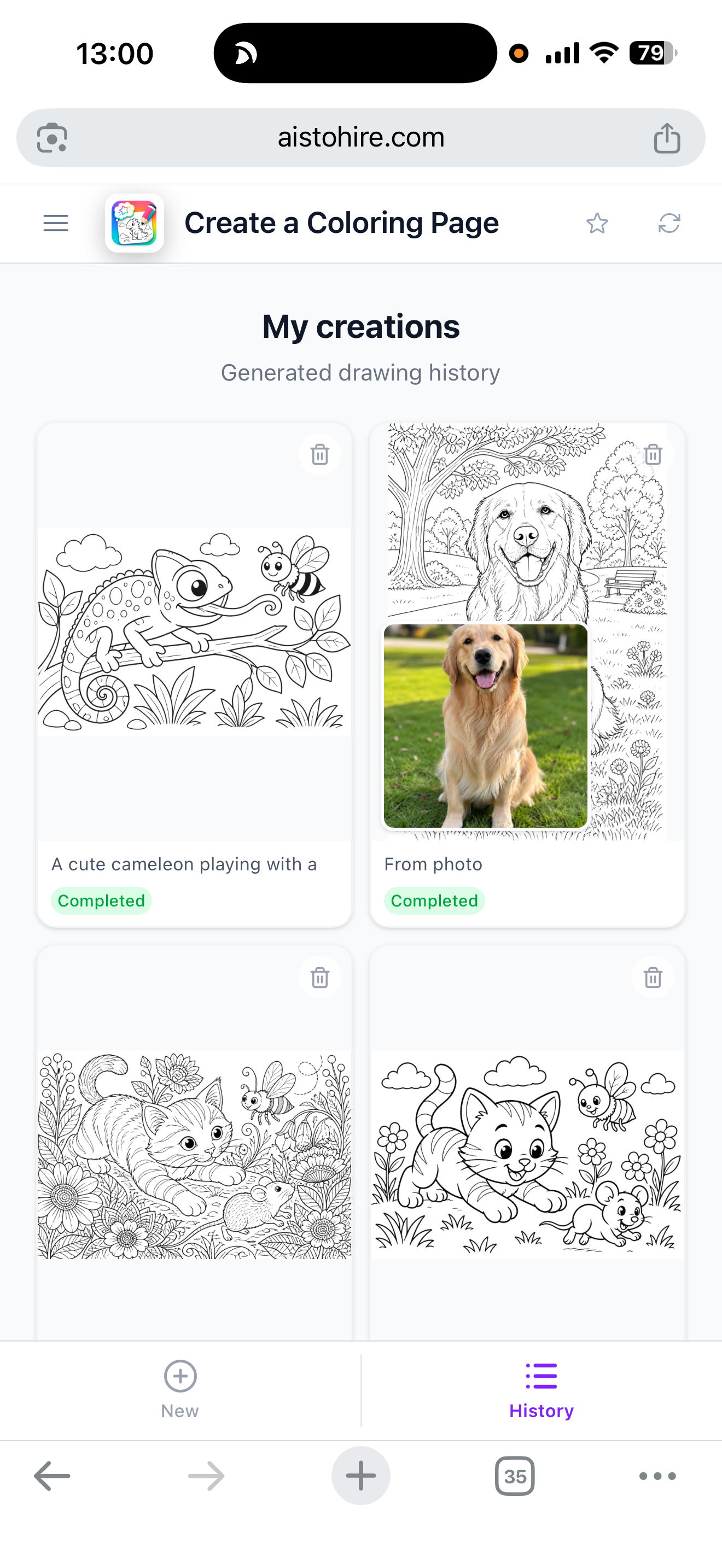
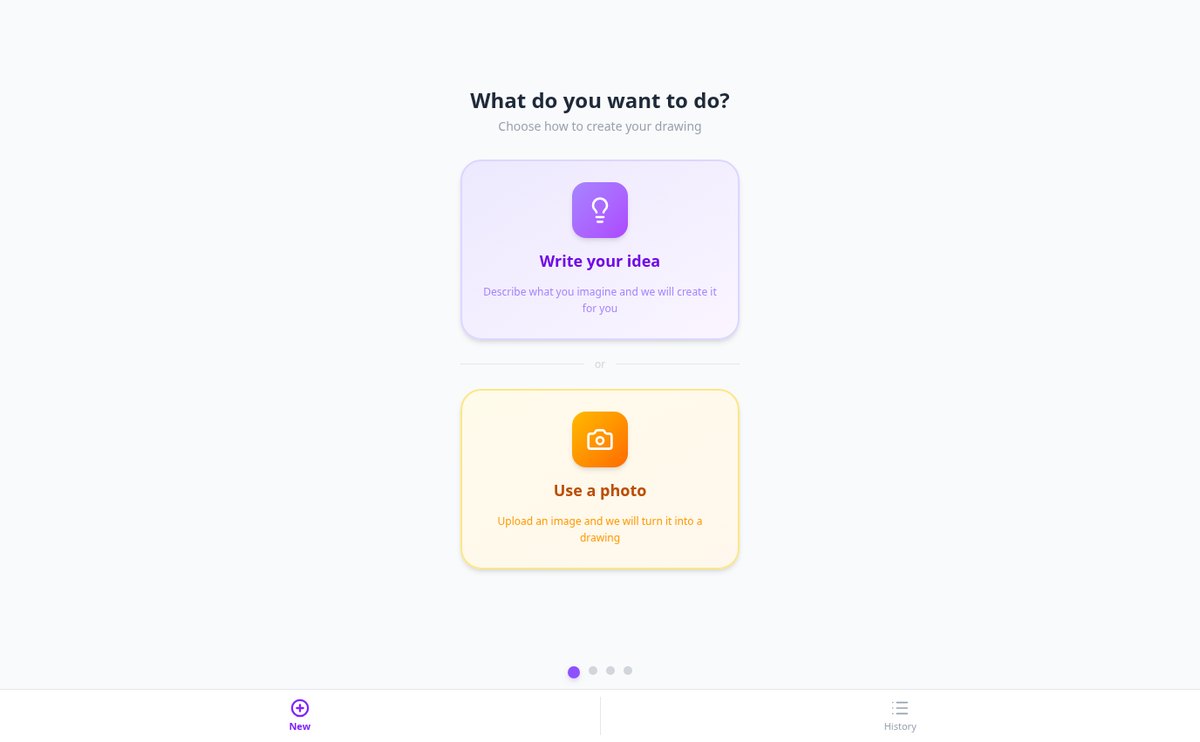
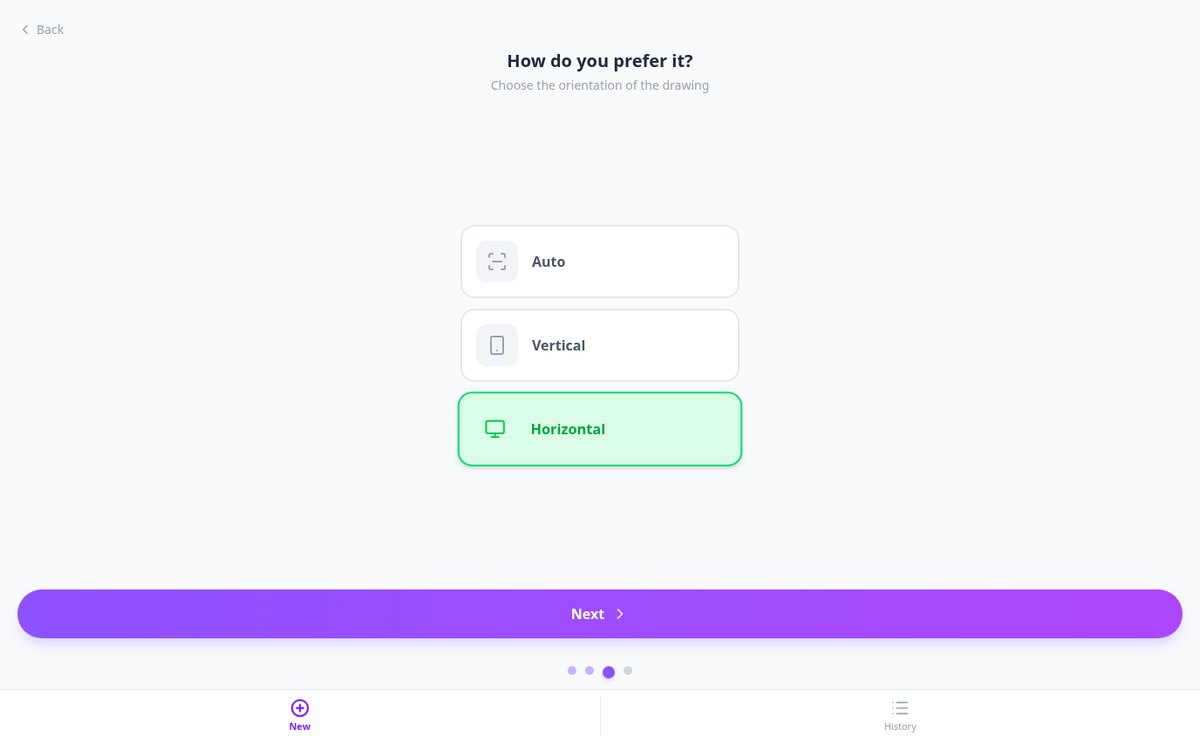
Upload a photo — pet, family, or landscape — and Aiscoloring converts it into a black line coloring page on a white background, ready to print in A4.
View feature
Create coloring pages from a written idea | Aiscoloring
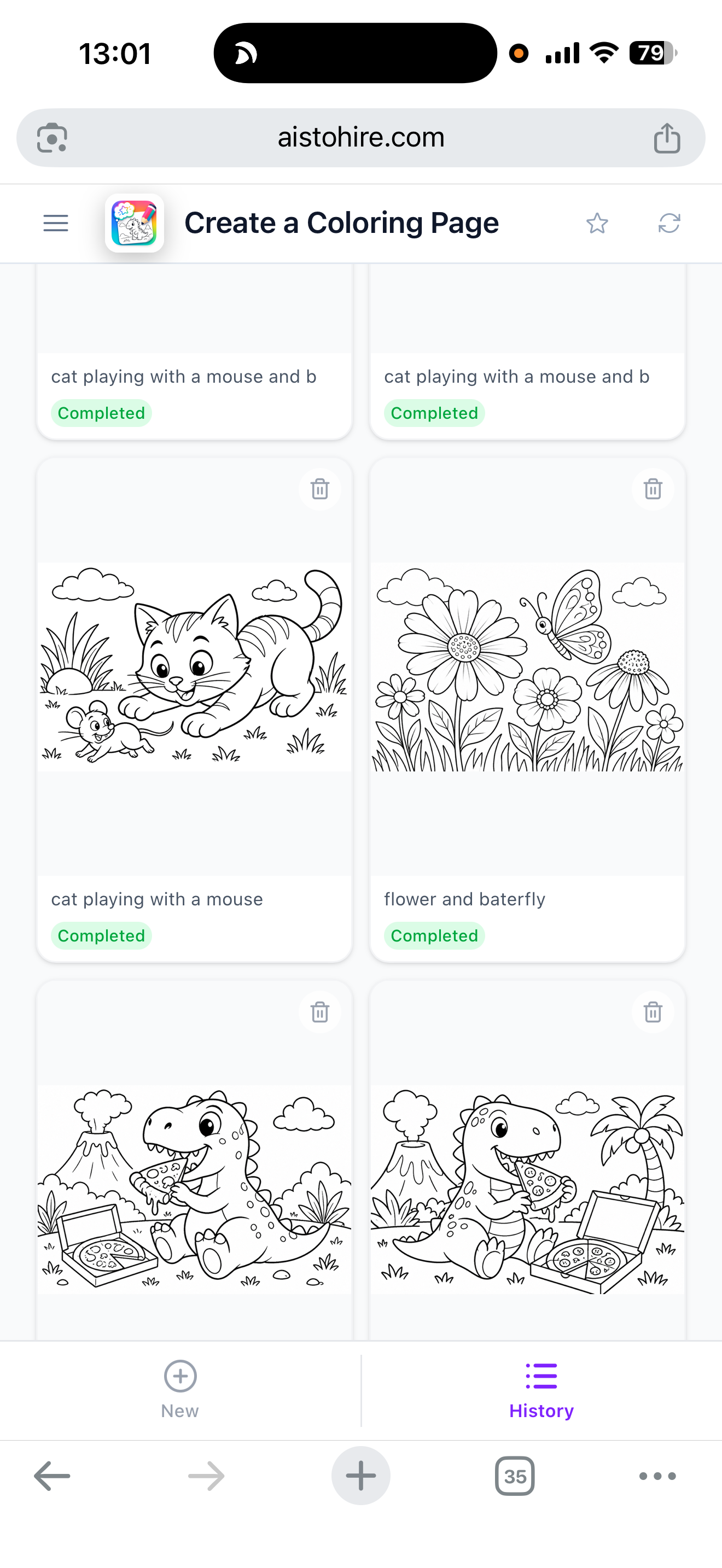
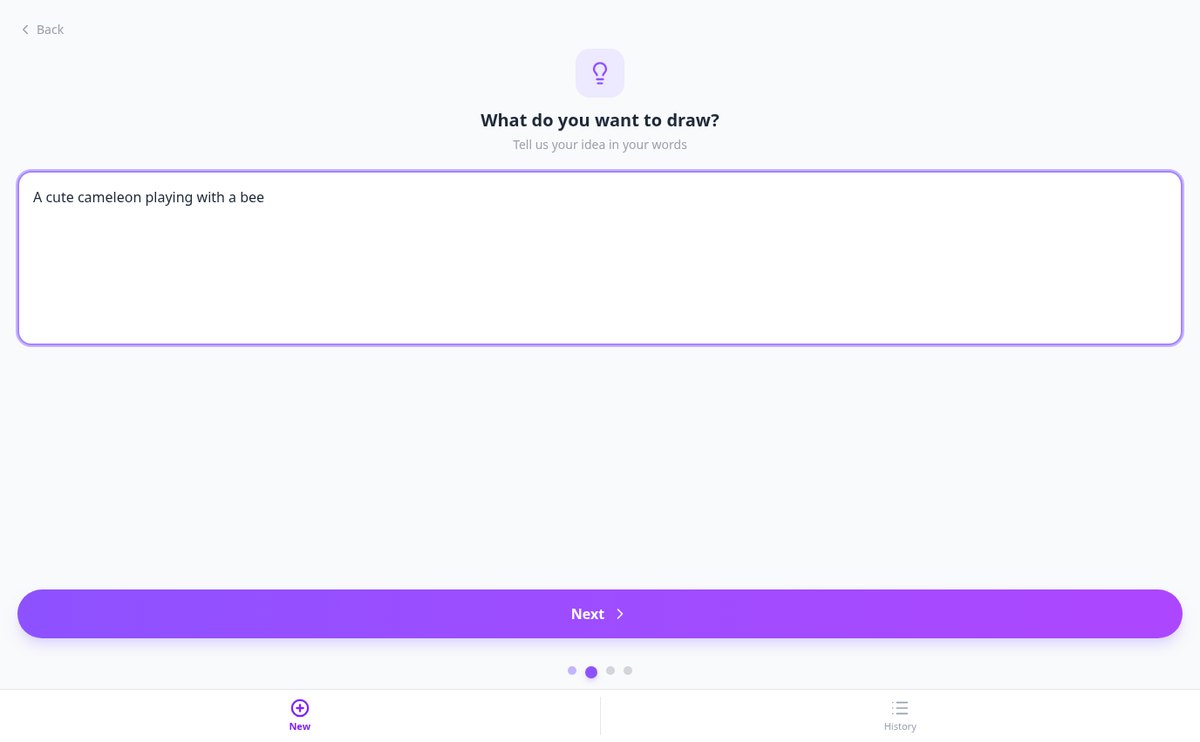
Write the scene you imagine and Aiscoloring's AI generates an original coloring page, with the difficulty level of your choice and ready to print in A4.
View feature
Coloring drawings by age: easy, medium, or hard | Aiscoloring
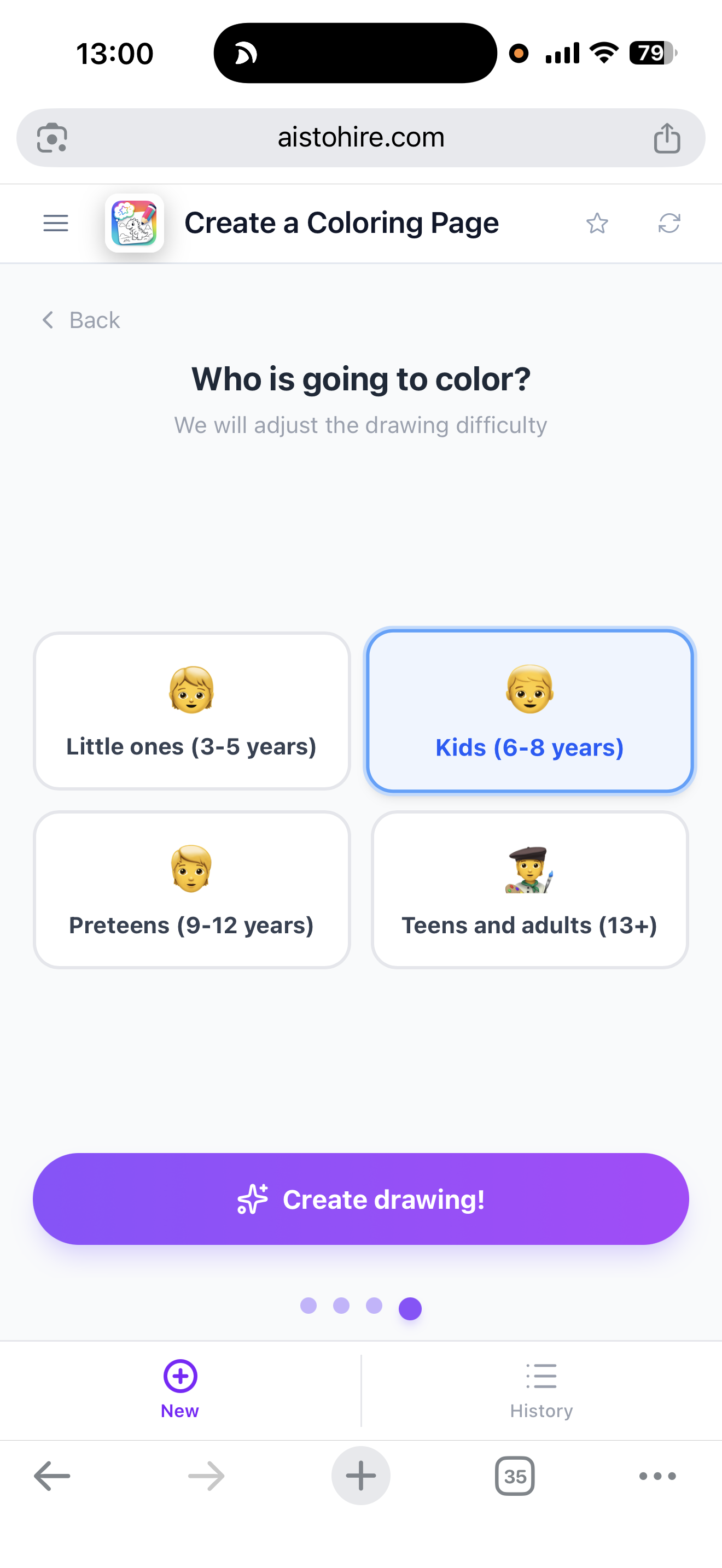
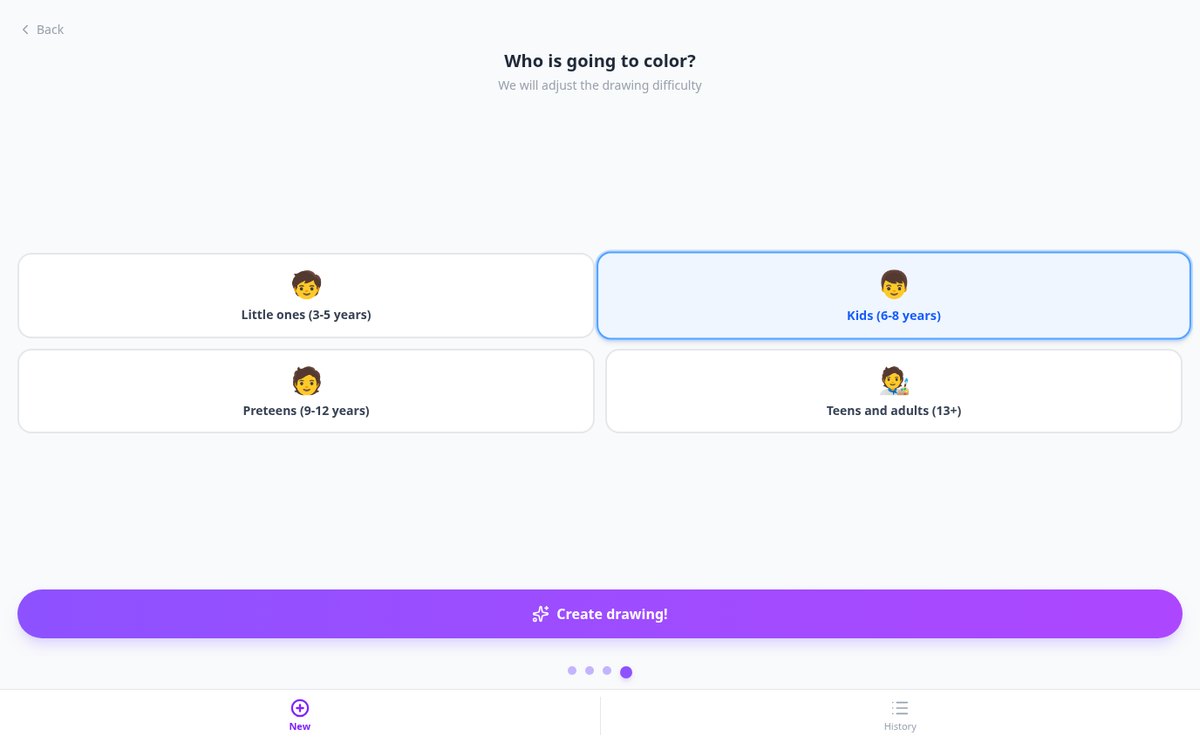
Choose the age range (3-5, 6-8, 9-12, or 13+) and Aiscoloring adjusts line thickness, number of elements, background, and patterns of the coloring drawing. Ready to print in A4.
View feature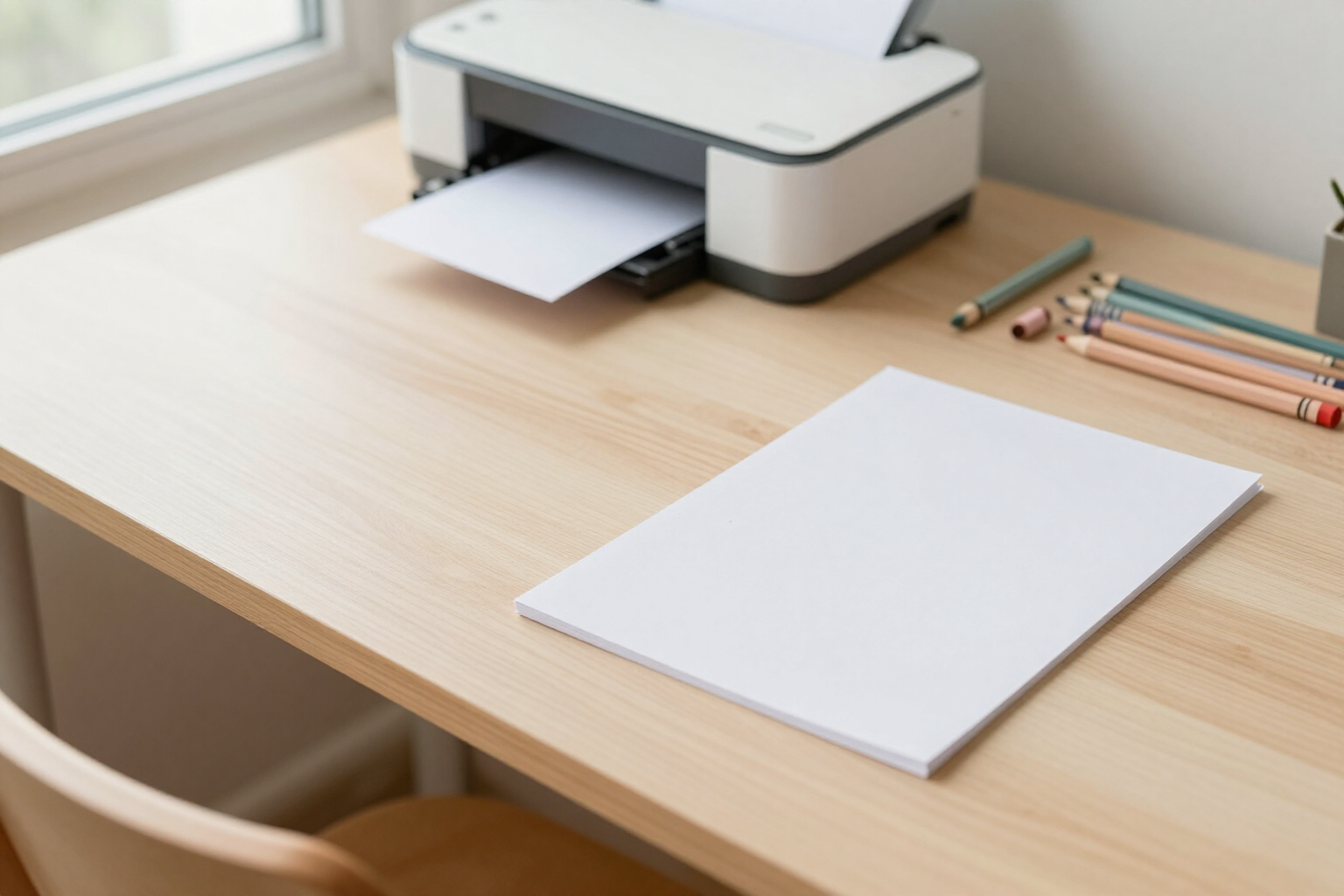
Printable coloring drawings in A4 with white background | Aiscoloring
Generate coloring drawings and print them in vertical A4 without cuts, with a pure white background #FFFFFF, without borders or margins from the browser. It also works from mobile.
View feature
Download coloring drawings and save them to mobile Photos | Aiscoloring
Generate your coloring drawing and download it in one touch: on Android and iPhone, it saves to Photos with the share menu; on computer, download a PNG with a custom name.
View featureEverything you need to create amazing drawings
The AI only returns parameters: the query is always assembled by the same composer from a closed catalogue, so the app can't emit an operator that doesn't exist. The builder, the diagnosis and the advanced search don't use up anything.
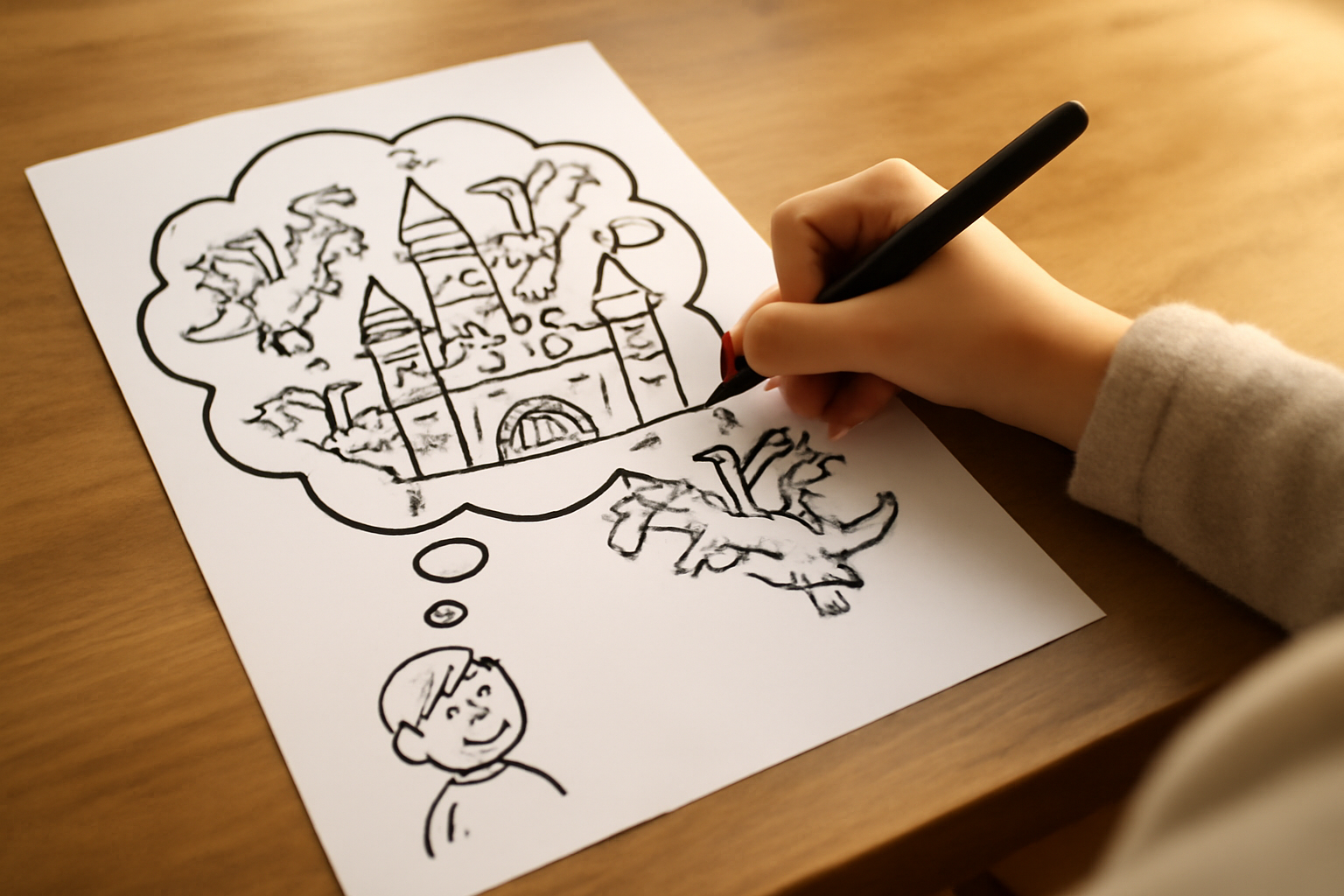
From an idea
Describe any scene or character and the AI generates a coloring page adapted to the age you choose.
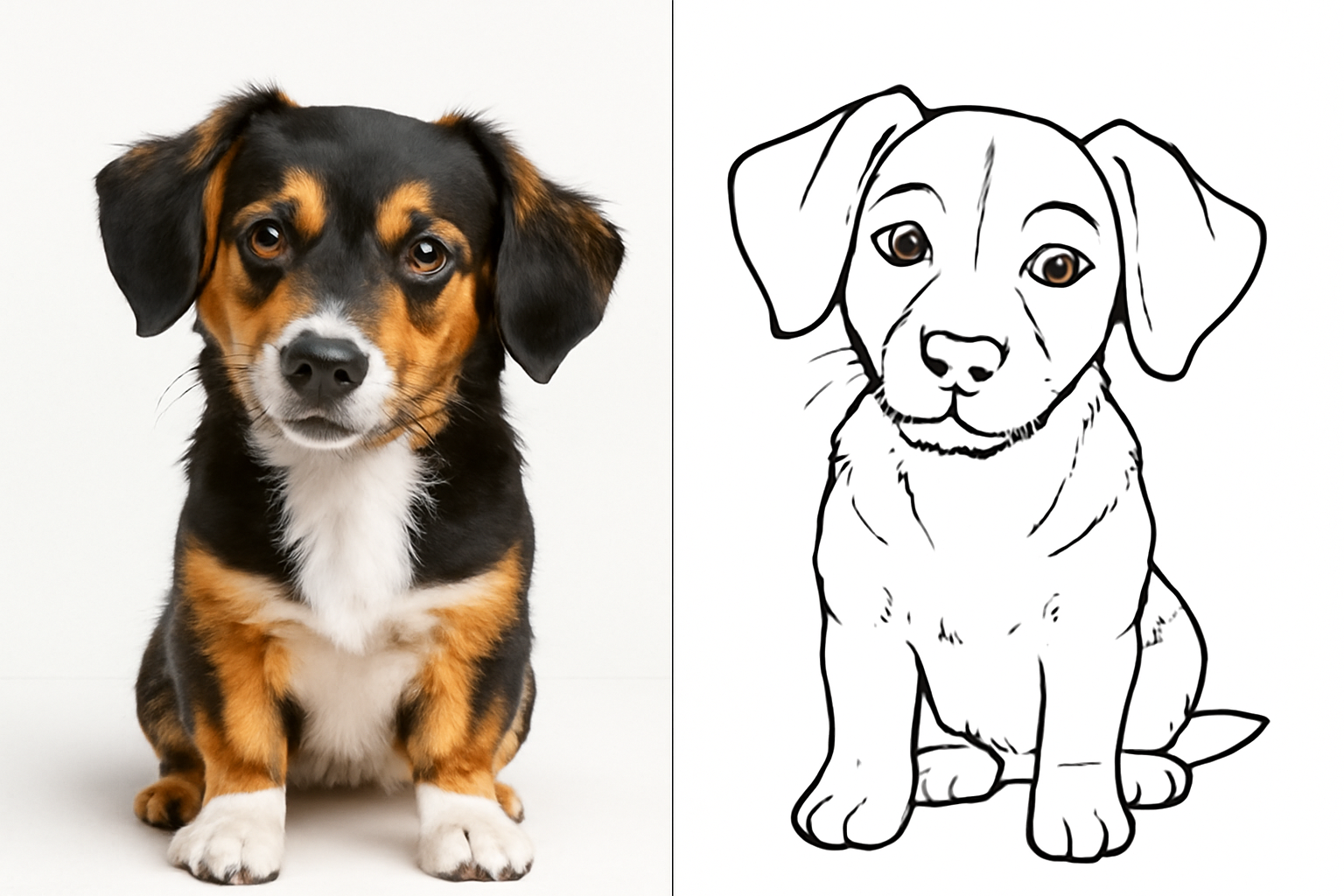
From a photo
Upload a photo and turn it into a coloring page with clean lines and a white background.
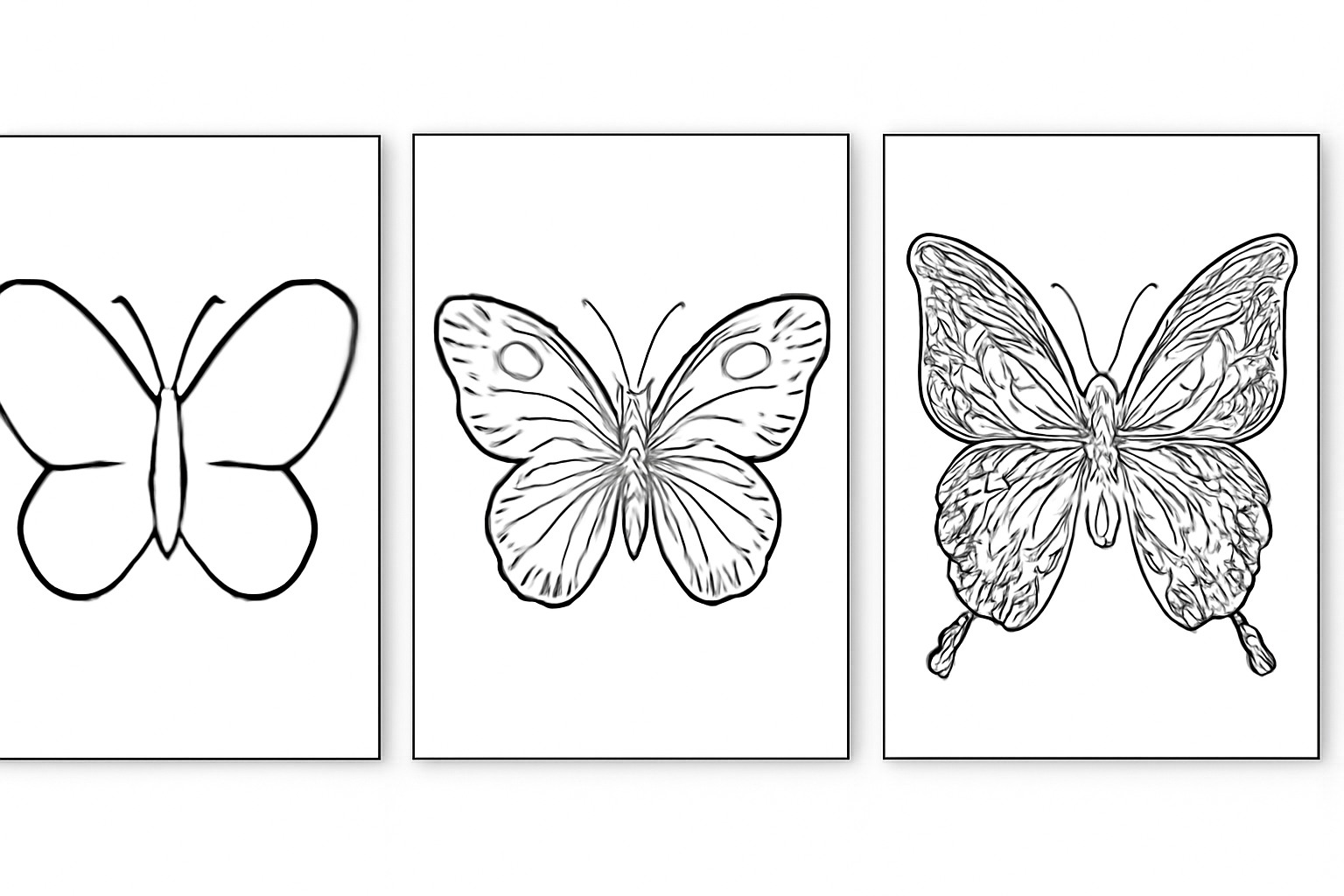
Adapted by age
Choose the age range and the level of detail adapts: thick lines for toddlers, complex patterns for adults.
How it works
Get in without signing up
The app opens in your browser. The builder, the diagnosis and the advanced search for the seven destinations work without an account and with no usage limit, because they run in your own browser.
Build the query or fix the one you already use
Fill in the fields and watch the query being composed live, or paste the one that isn't working and let the diagnosis tell you what's left over, what's retired and how it's written today.
Copy it, launch it and save it
You copy the query or click "Search on Google" and it opens in a new tab. With an account you save up to 200 queries and plans in "My searches", keep up to 60 favourite recipes and download the dossier as a PDF.
Frequently asked questions
Latest blog articles
Guides and news to get more out of it
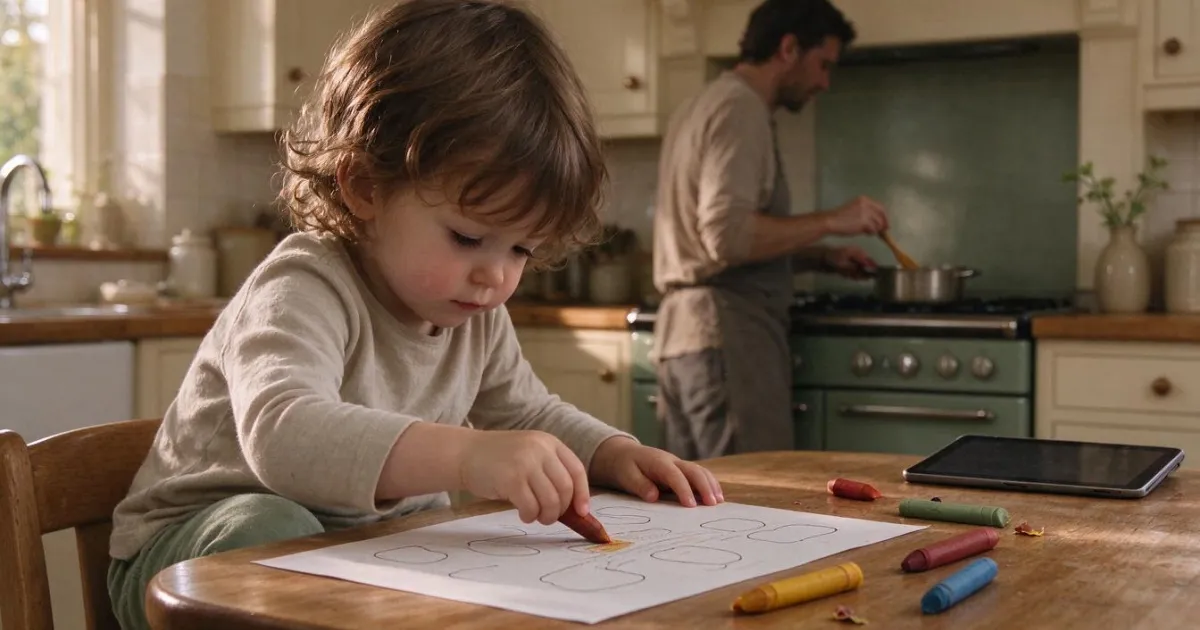
Less than an hour of screen time before age 5: what changes at home with the 2026 guidelines
Less than 1 hour of screen time before age 5: the British guide from March 2026 compared to WHO and AEP, age chart, and real alternatives.
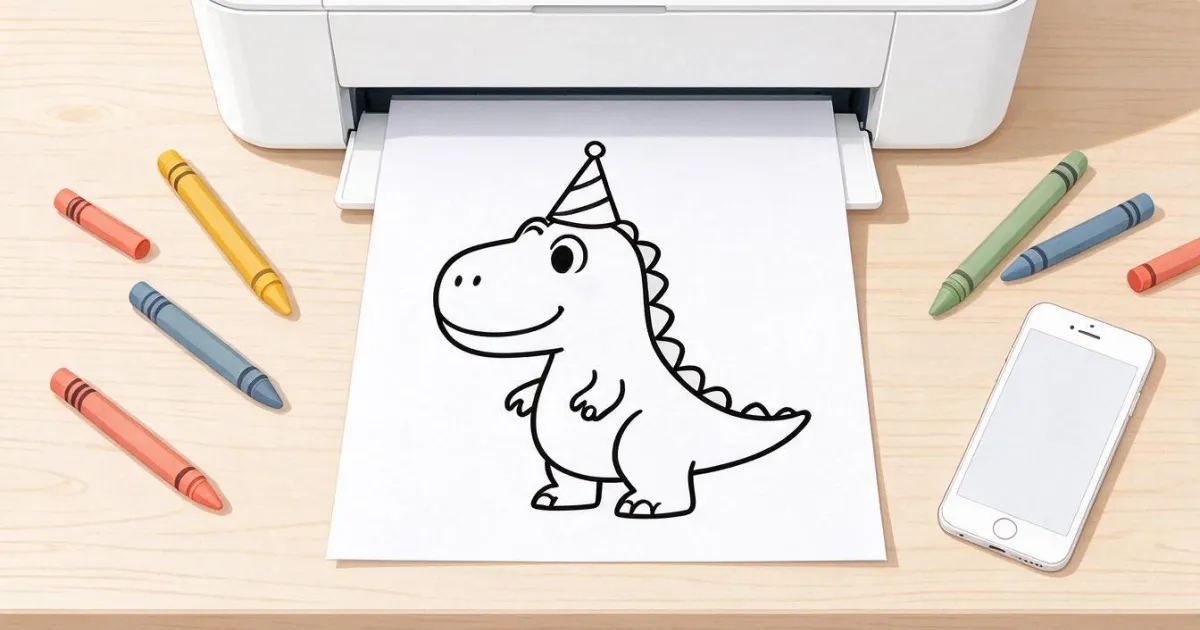
Printable Coloring Pages: How to Get the One You Need and Print It Well on A4
Why online coloring pages print out gray, what resolution is needed for A4, and how to create the exact drawing by age with Aiscoloring.
Ready to create amazing drawings?
The builder and the diagnosis are free, no sign-up and no limit. The account is for saving and for the dossier.