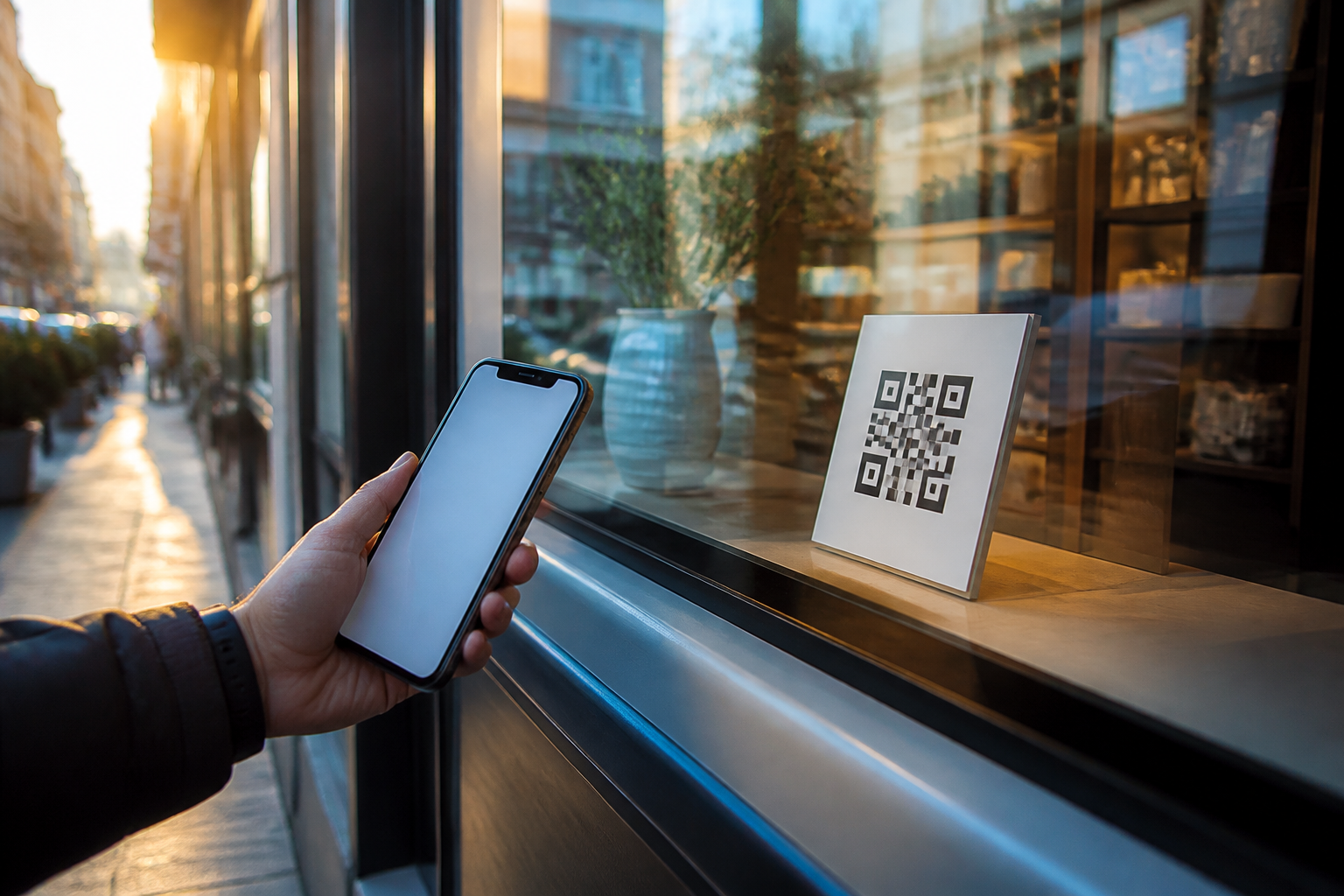
aiLinks · The poster stays; you change the destination
 AI
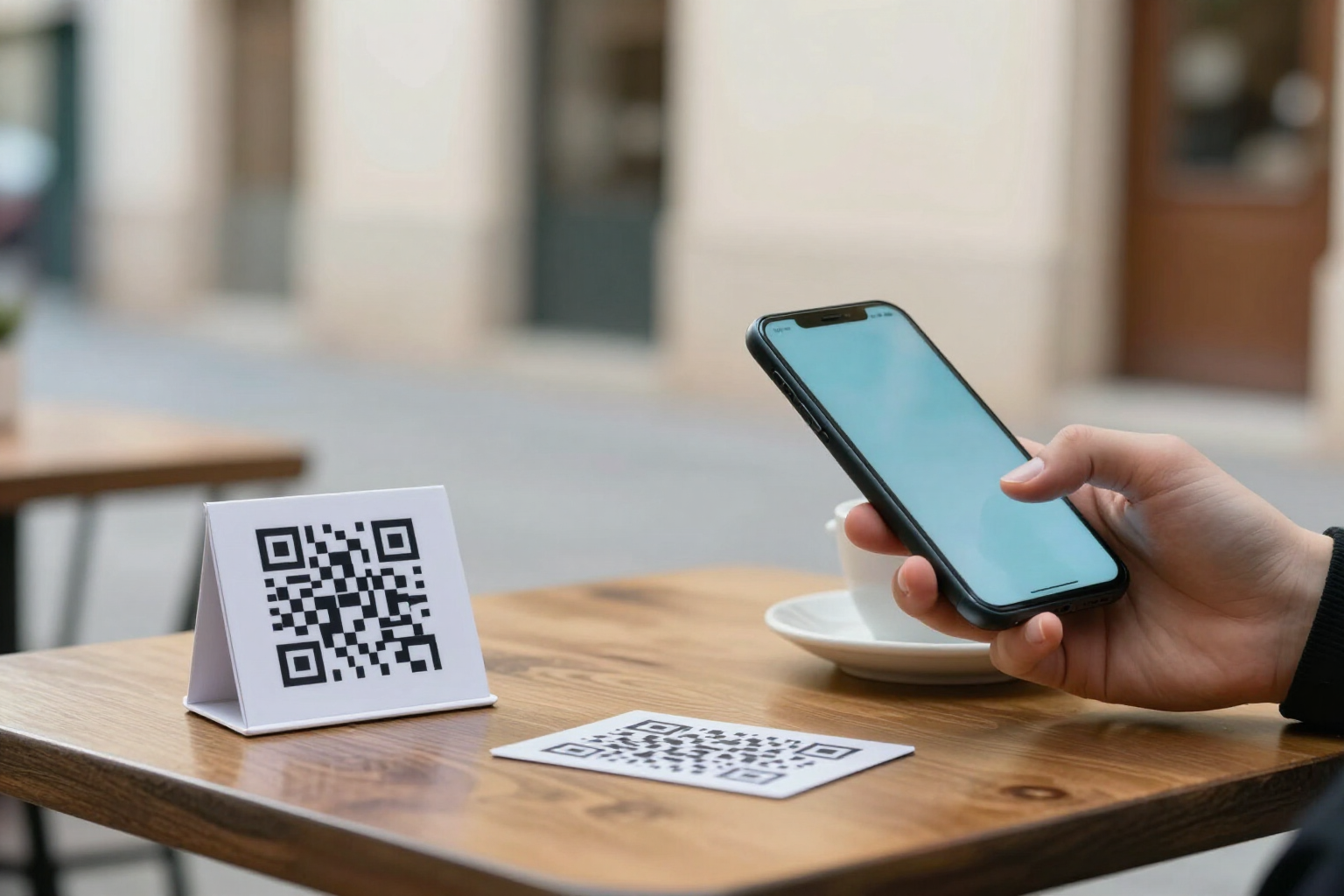
For the business that has a QR out in the street: in the shop window, on the table, on the van, or on a card. The code doesn't carry your number or your website inside; it carries a short link of yours. The day the on-call WhatsApp changes, or the menu, or the booking page, you change it from your phone and what's printed still works.
In the features that use AI, responses are generated by artificial intelligence and are not a substitute for professional advice.
你有多少張海報是因為 QR 指向已不存在的地方而被丟掉的?
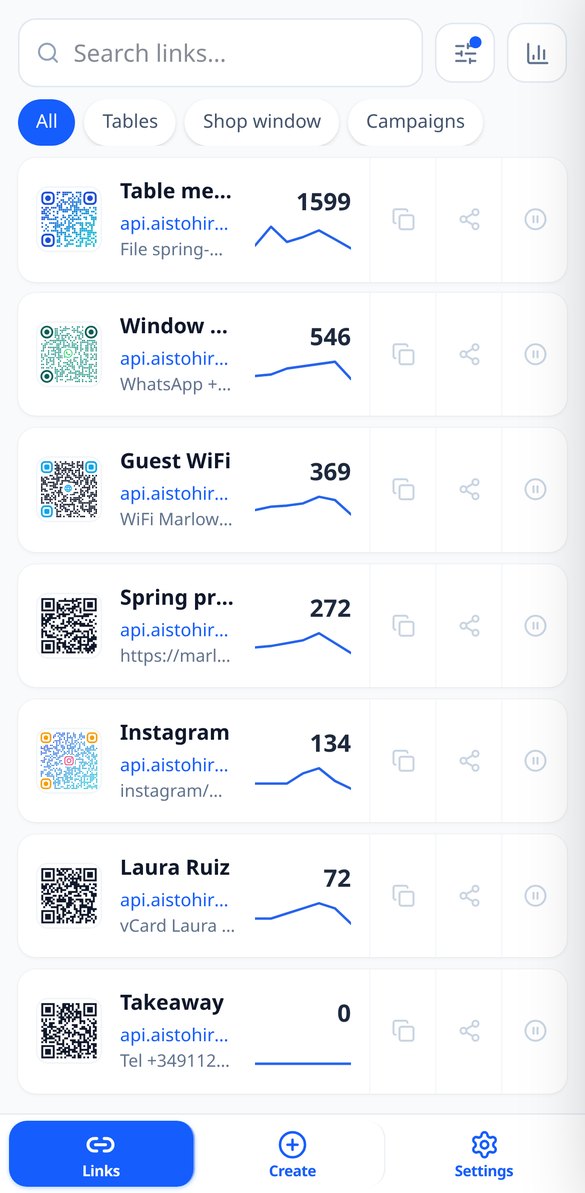
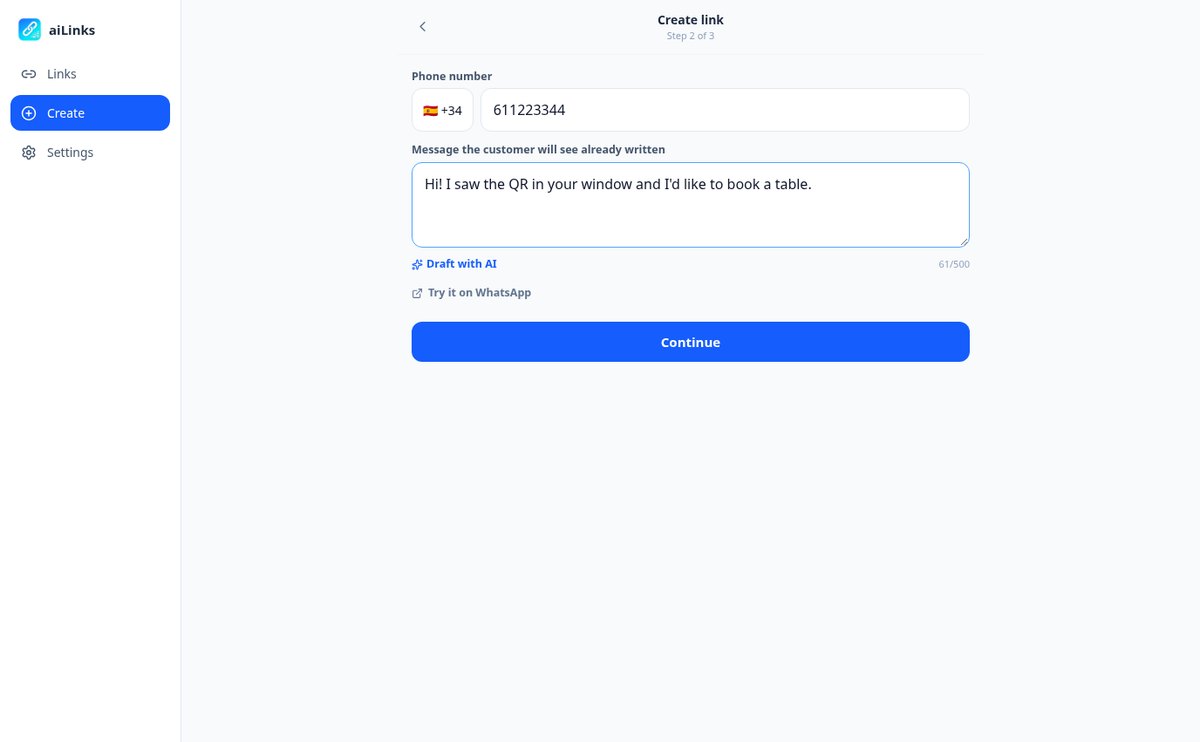
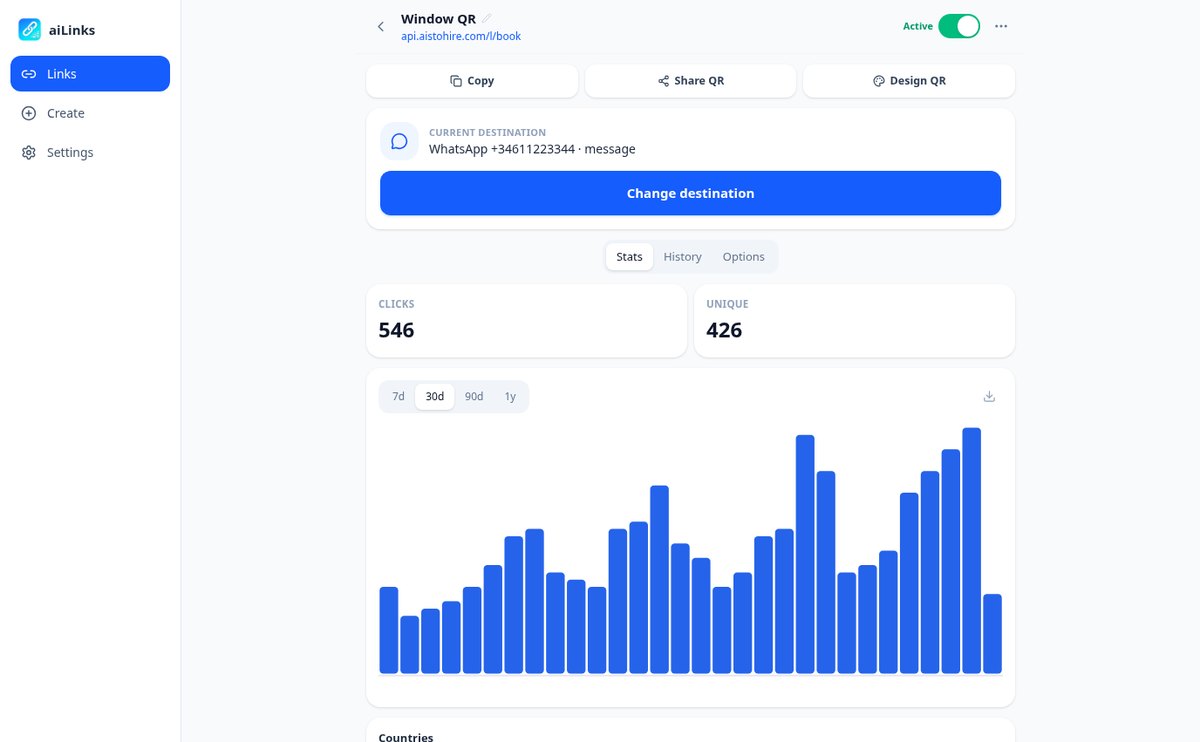
印出的 QR 是無法更改的:如果裡面存的是你的 WhatsApp 號碼或菜單的網址,當它們改變的那天,海報就作廢了。aiLinks 反過來做:代碼中存的是屬於你、永遠不變的短連結,目的地則存放在應用程式中。你進入、按下「變更目的地」、儲存,下一次掃描就前往新的地方——無須等待,因為重新導向不會被保存在任何人的瀏覽器中。你甚至可以更改目的地的類型:原本開啟 WhatsApp 的 QR,可以改成開啟你的網站,而完全不用動任何一張海報。而且由於所有掃描都經過 aiLinks,你順便也知道有多少次、來自哪個國家/地區、用的是什麼手機。
Start free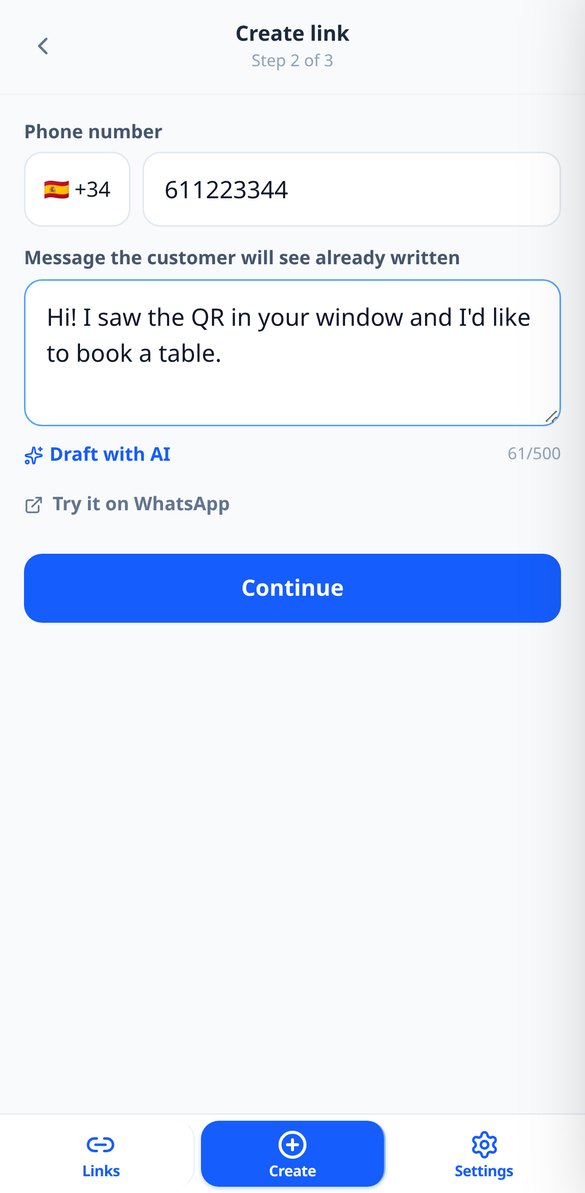
Discover every feature in detail
Change the destination of a QR without reprinting it | aiLinks
Change where a printed QR code leads without reprinting it: nine interchangeable destination types, immediate effect on the next scan, and a history with the option to revert.
View feature
One QR with destination by iPhone, Android, language or country | aiLinks
Make the same link or QR go to the App Store on iPhone, Google Play on Android, or another site based on language or country. Up to 10 ordered rules with fallback.
View feature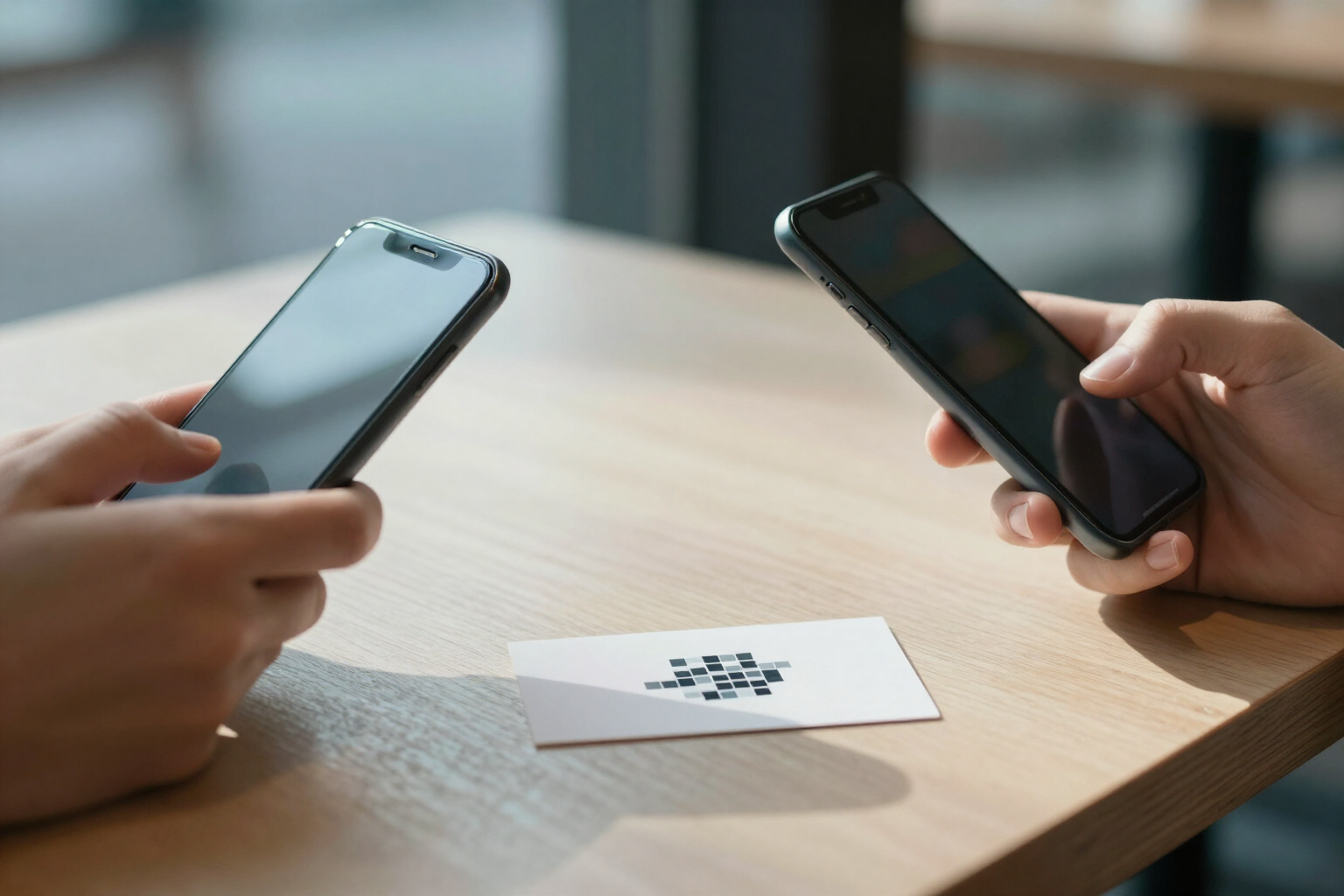
Editable vCard business card QR code | aiLinks
Create a QR code that opens your contact card with photo and buttons for call, WhatsApp, email and web, and downloads your vCard (.vcf) to the address book. Editable without reprinting.
View featureWhat a QR stuck on the wall really needs
這些都不會消耗點數:建立連結、產生 QR、重新導向掃描與查看統計,都是自有運算。AI 只出現在兩項選用的附加功能中,而且只有在你按下時才會使用。
Change the destination in two taps, with history
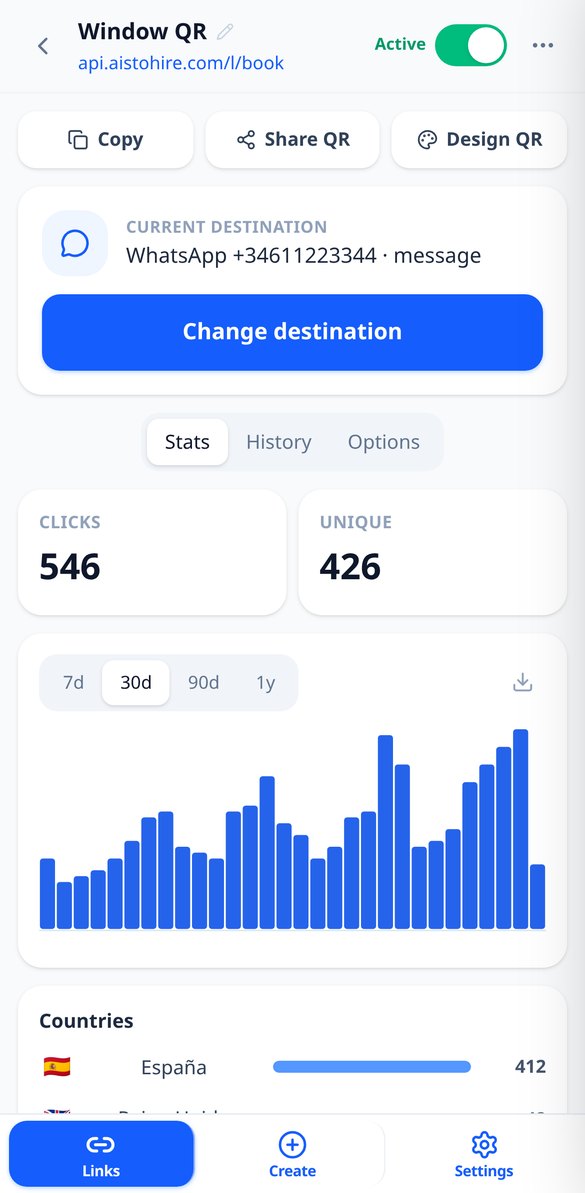
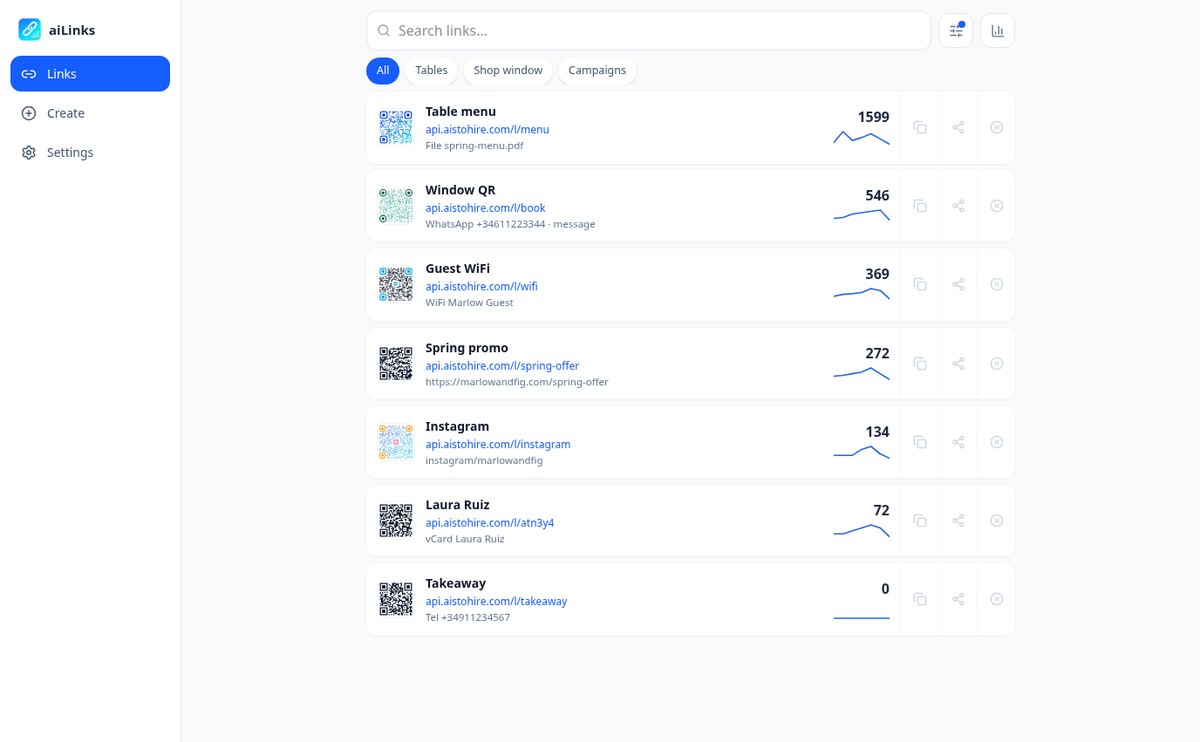
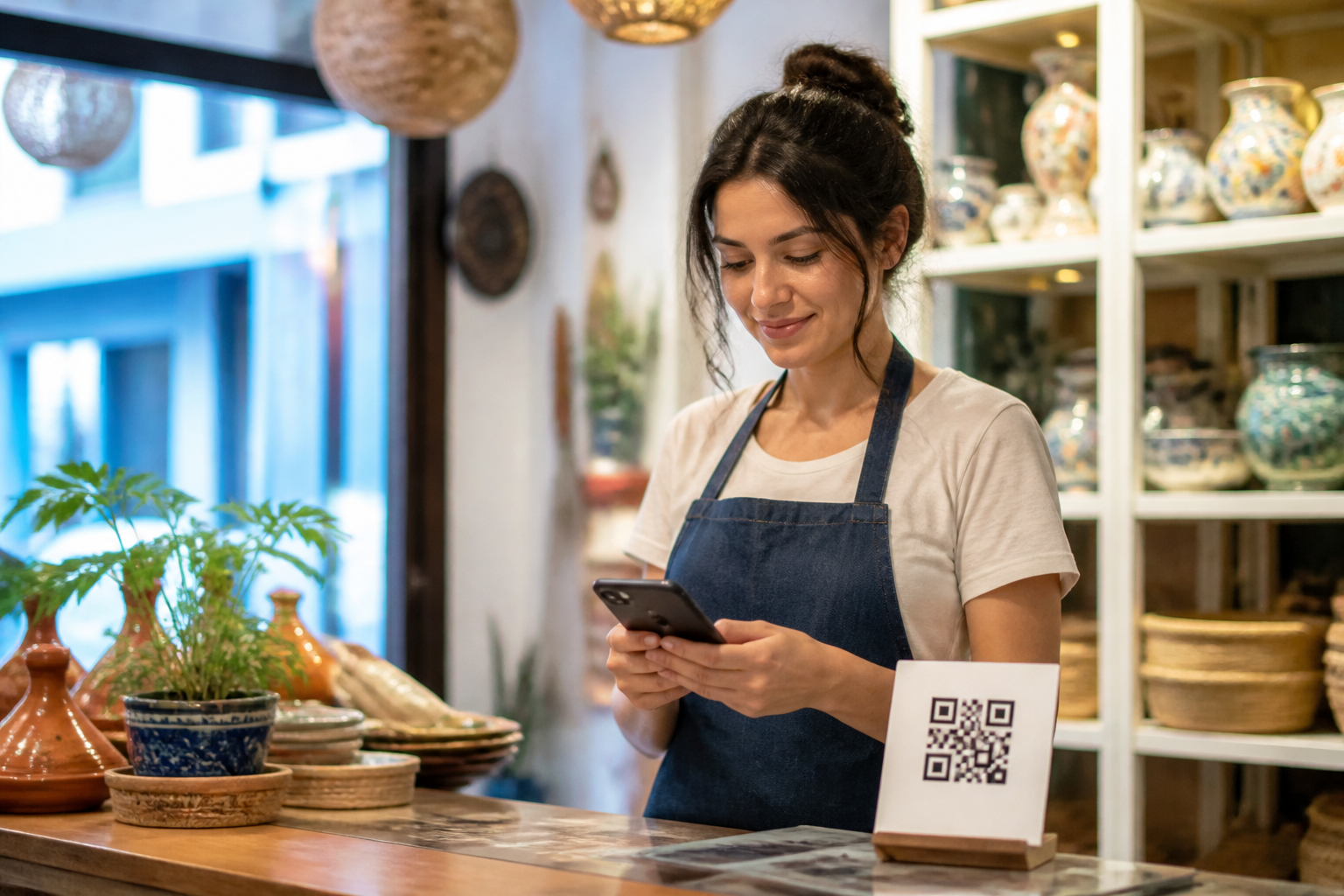
You open the link, tap "Change destination," and save: the printed QR now points somewhere else. Behind the same code you can put nine different things — website, WhatsApp with the message already written, phone, email, SMS, contact card, social network, WiFi password, or a PDF with the menu — and switch from one to another whenever you want. Every change is dated and signed in the history, and you can go back with one tap.
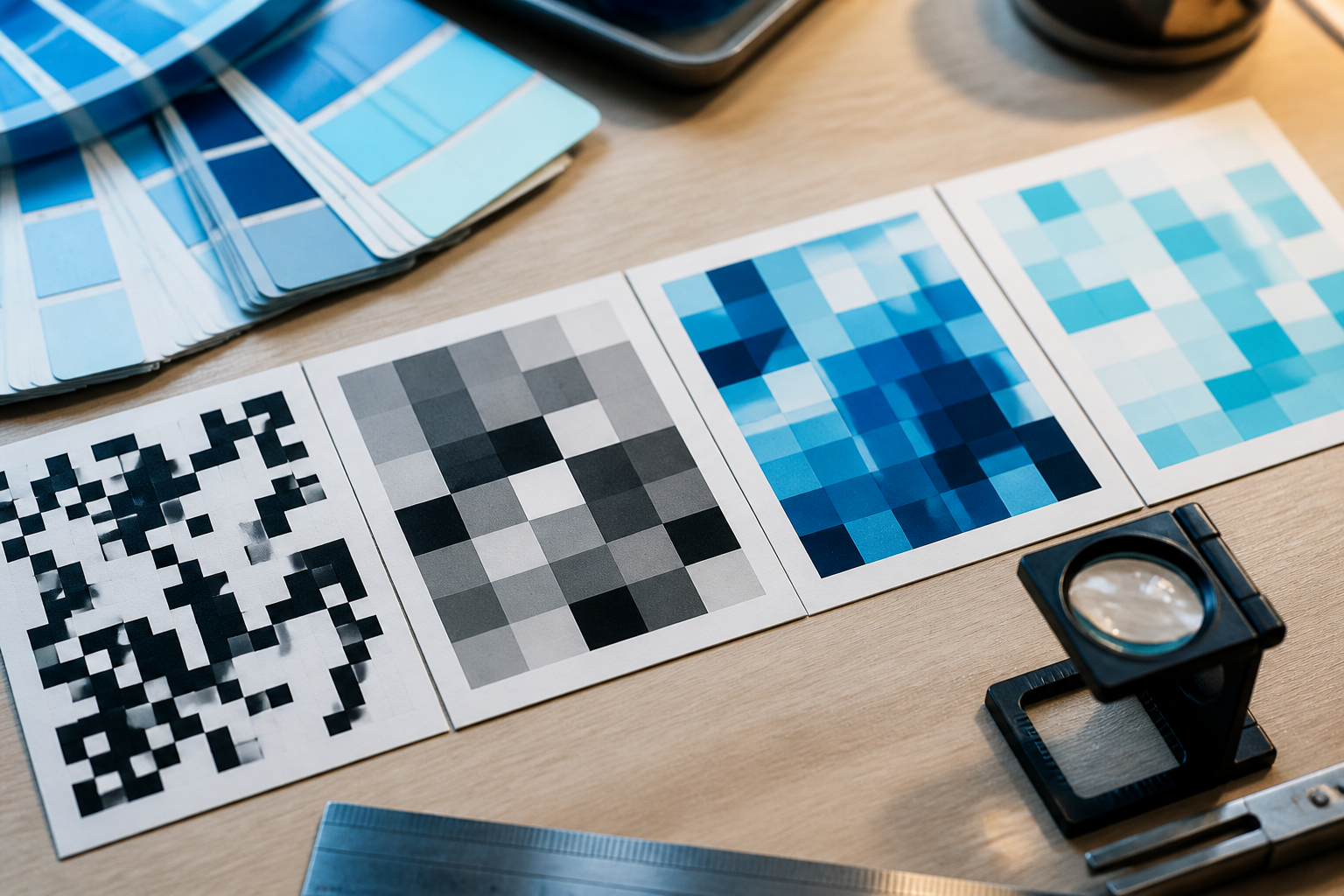
QR studio and download for print shop
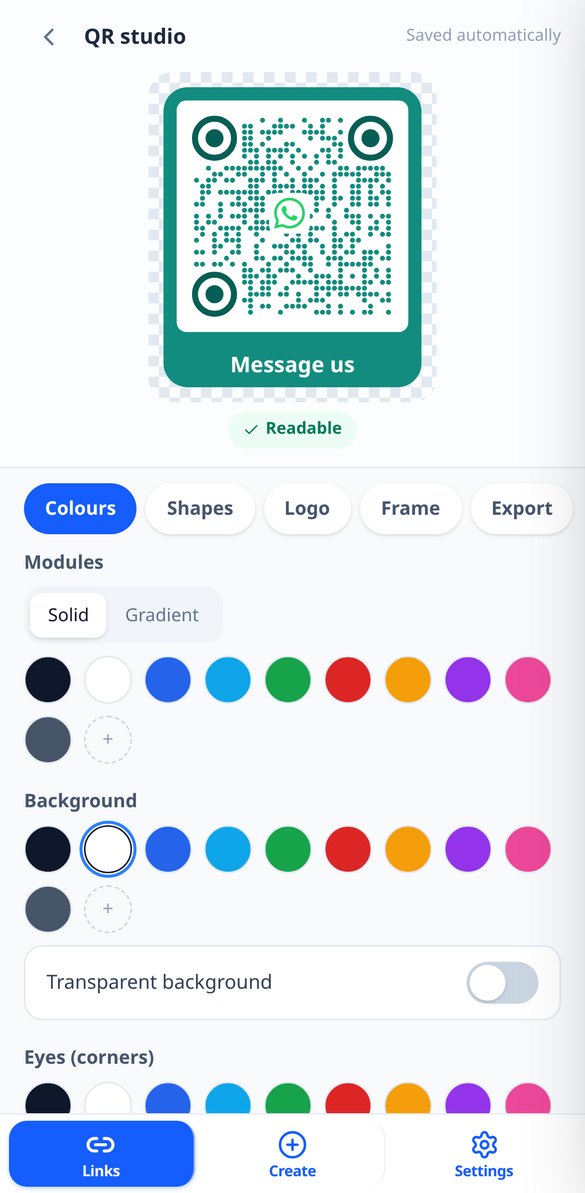
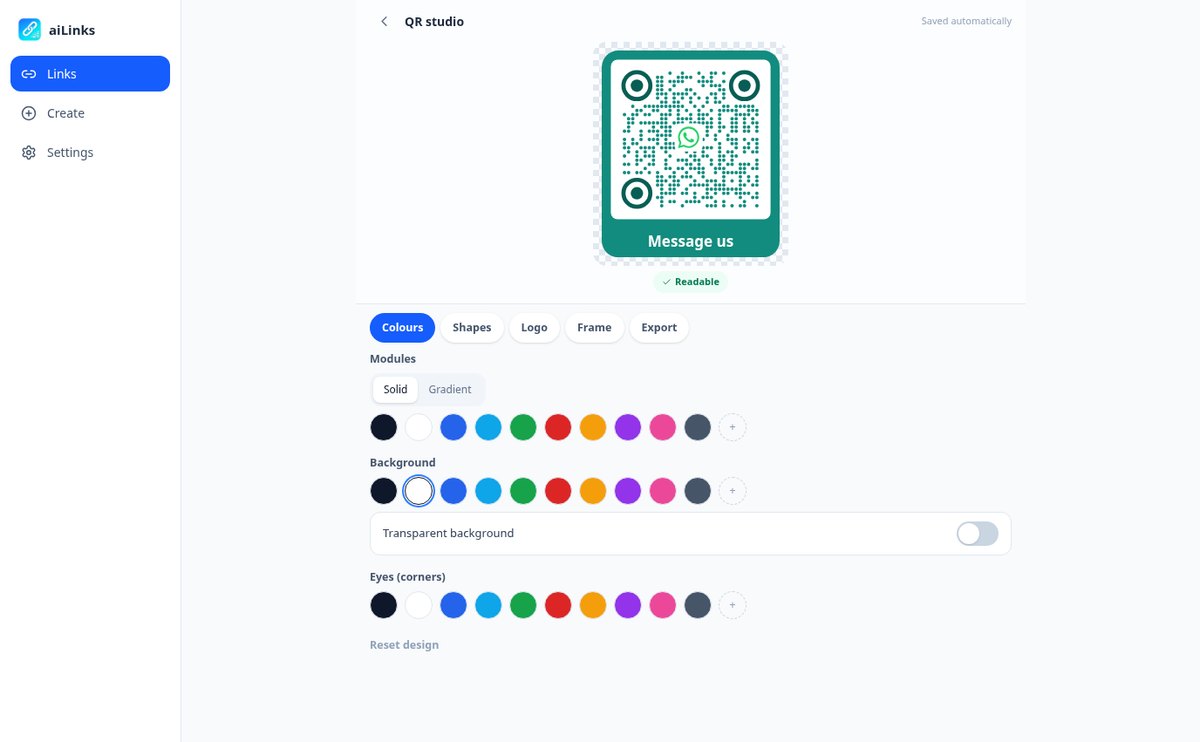
Solid colors or gradients, module and eye shapes, your logo in the center — or one of the included icons — and a frame with the text you want: "Scan me," "View menu," "Write to us." The preview updates instantly and warns you if the contrast is too low for a camera to read it. Download it as a PNG up to 4096 px for social media and screen, or as vector SVG, which is what the print shop will ask you for.

Know who scans, without installing anything
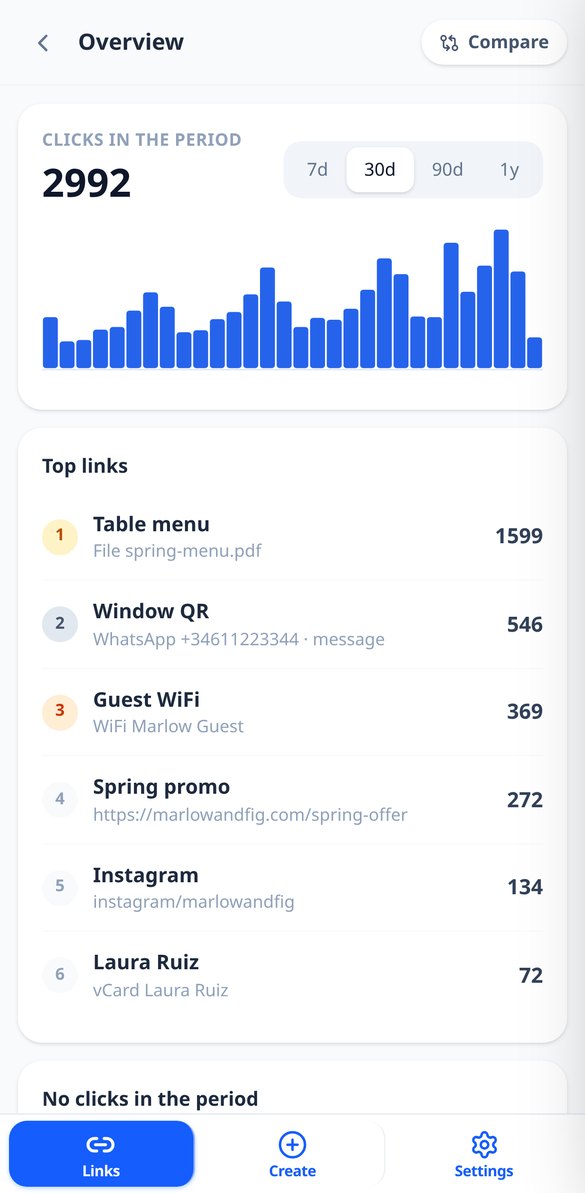
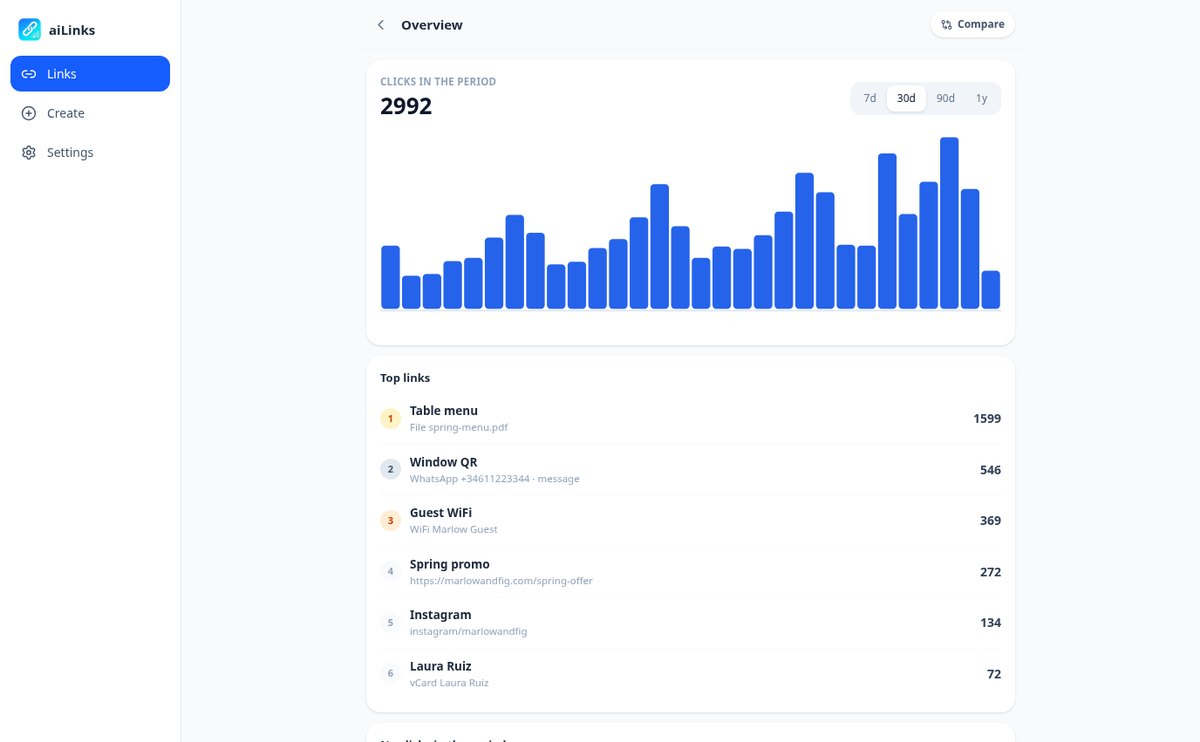
Total scans and unique visitors per day, week, or month, with the change versus the previous period; country and city, mobile or desktop, operating system, browser, and language; and where they come from, with camera scans grouped as "Direct / QR." Compare up to four links on the same chart to see which poster works, detect those that have gone weeks without a single scan, and download the detail as CSV.
From link to poster in three steps
選擇你要連結的內容
網頁、附預設訊息的 WhatsApp、電話、電子郵件、簡訊、聯絡卡、社群網路、WiFi,或你自己上傳的 PDF。若你願意,連結可以使用你自己的字詞,而不是隨機代碼。
設計 QR 並送去印刷
一邊即時查看結果,一邊調整顏色、形狀、標誌與邊框,並下載 SVG 用於印刷,或下載 PNG 用於社群。短連結一點就能複製,也可用於個人簡介、電子郵件或廣告。
需要時隨時更改
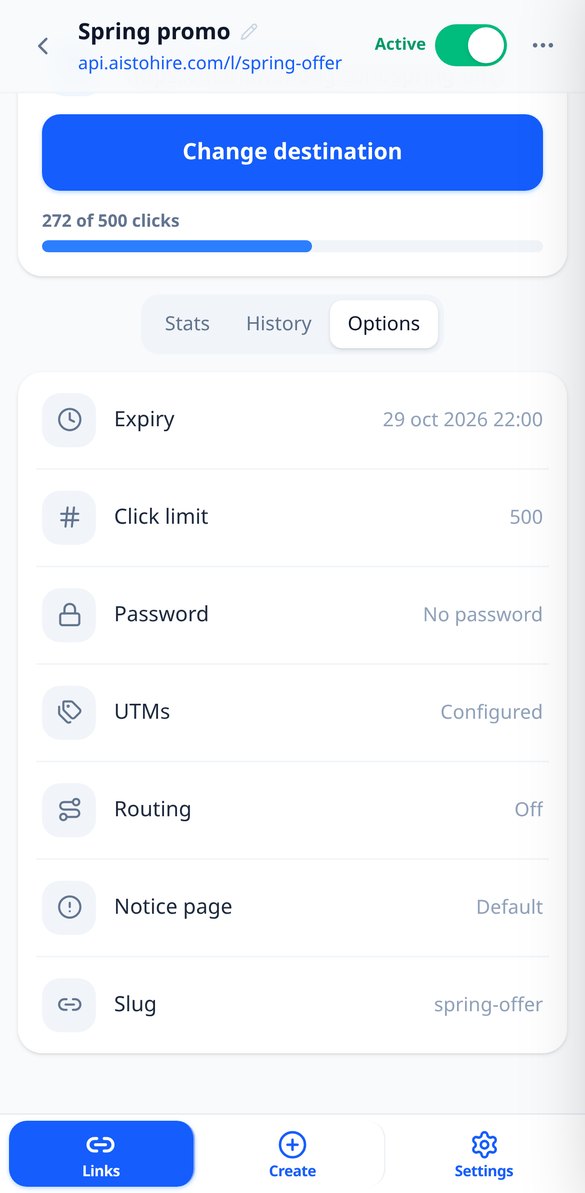
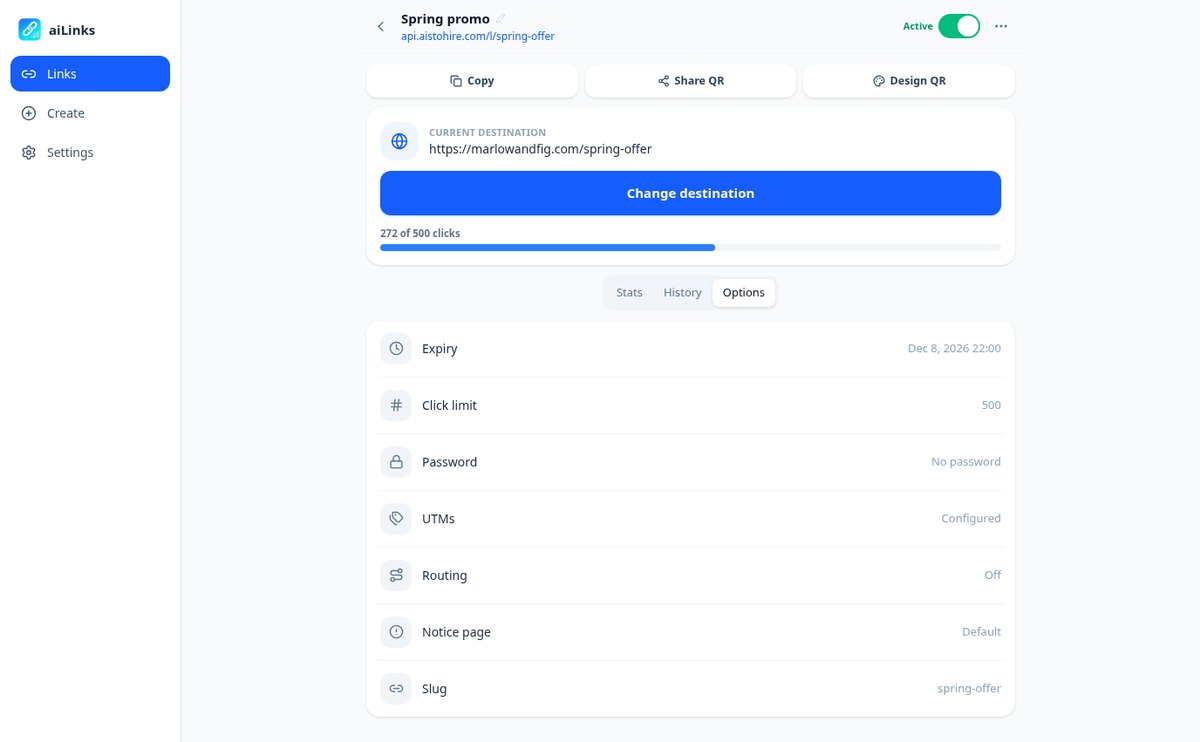
換了值班號碼、新菜單、優惠結束:從手機進入並變更目的地即可。若有需要,還可以設定到期日期、掃描次數上限、密碼,或在優惠結束時顯示你自己的提示頁面。
Frequently Asked Questions
Latest blog articles
Guides and news to get more out of it
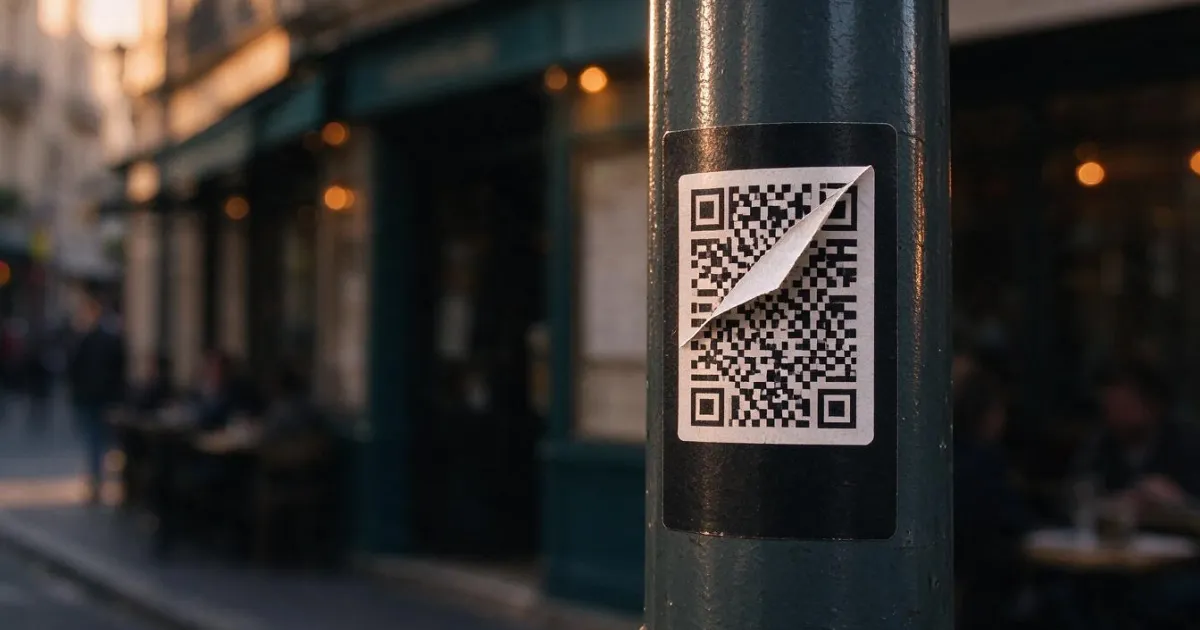
Quishing: how they change your business's QR code for a fake one (and how to avoid it)
Spain is the 2nd country in the world for quishing (17%, ESET H1 2026). How they cover your business's QR code with stickers and the protocol to protect it.
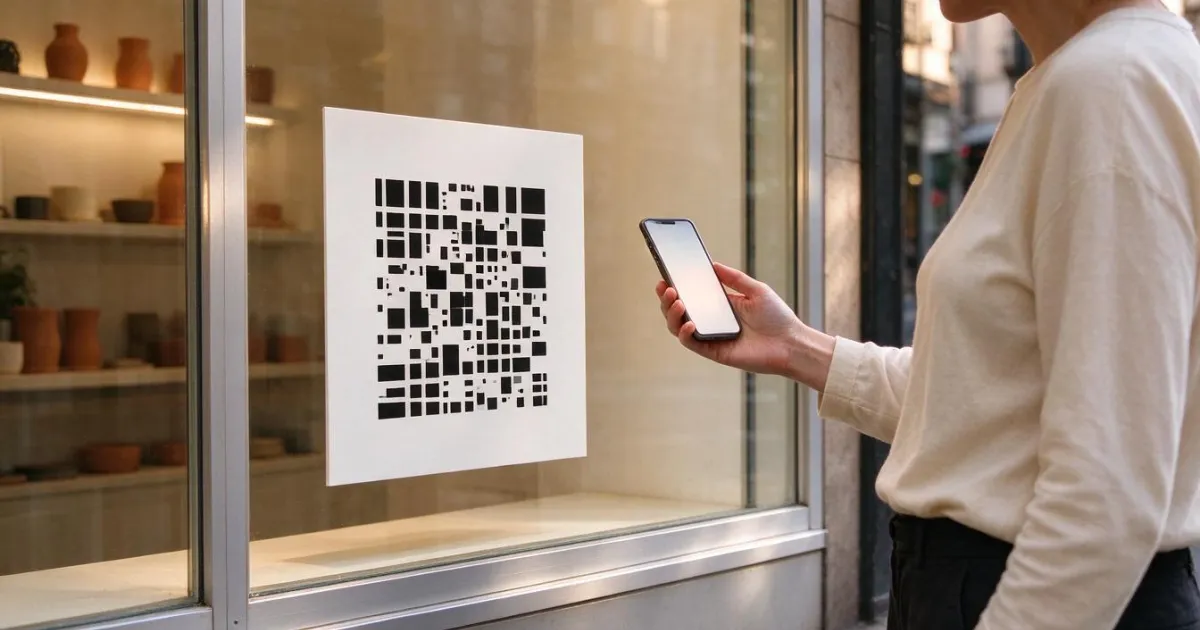
How to Change the Destination of an Already Printed QR Code (Without Reprinting Anything)
How to change the destination of an already printed QR code without reprinting: static vs dynamic QR, print sizes, quishing risks, and 2026 data.