
AiNotes — AI notes that answer your questions · Ask your notes and they answer
 AI
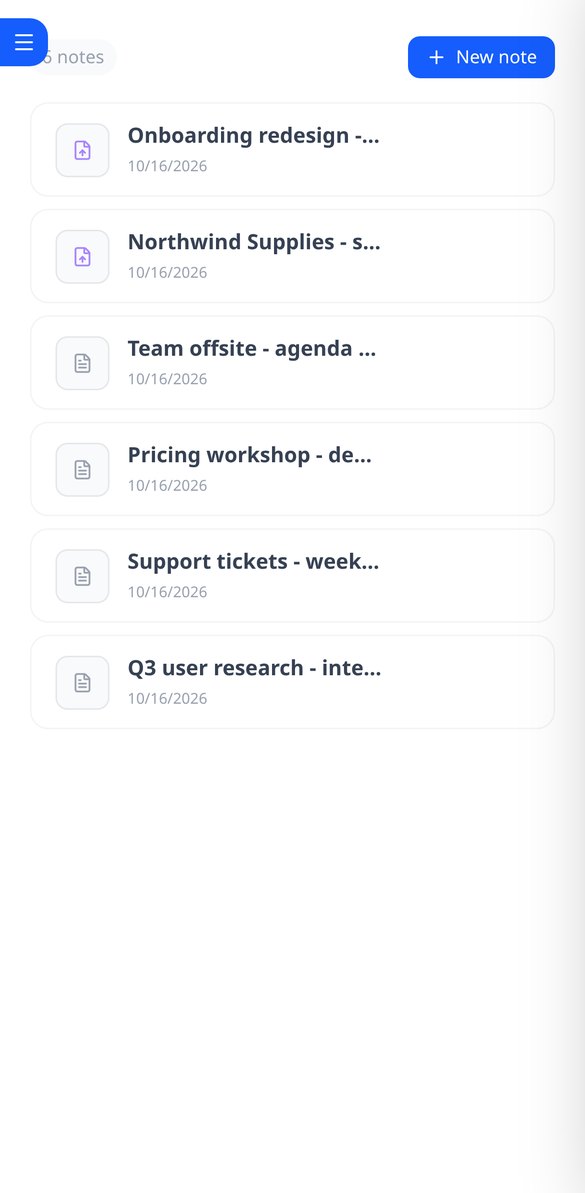
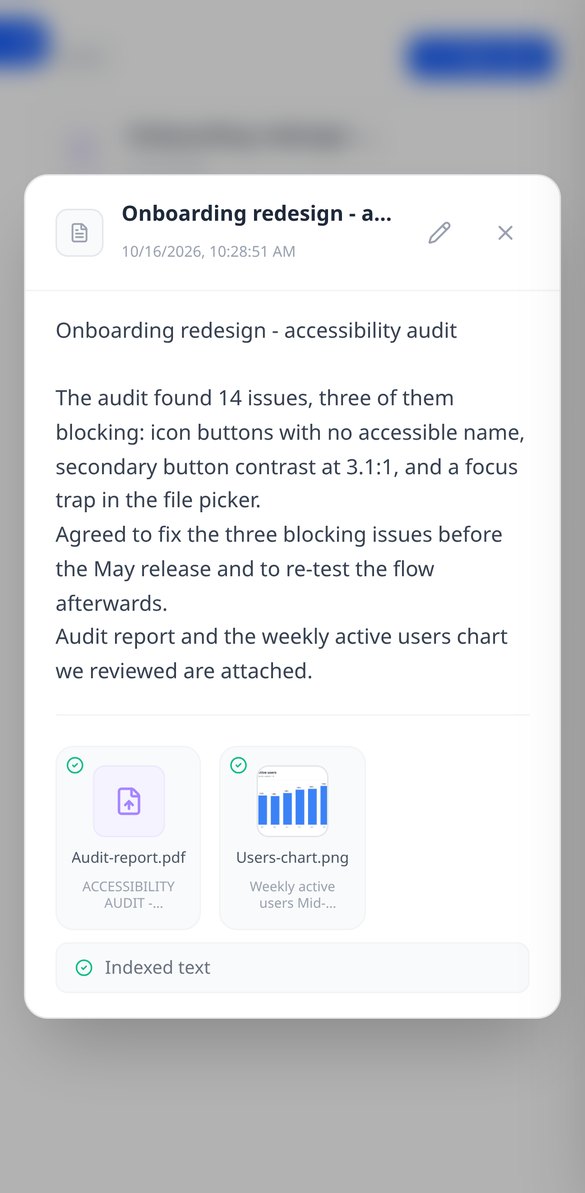
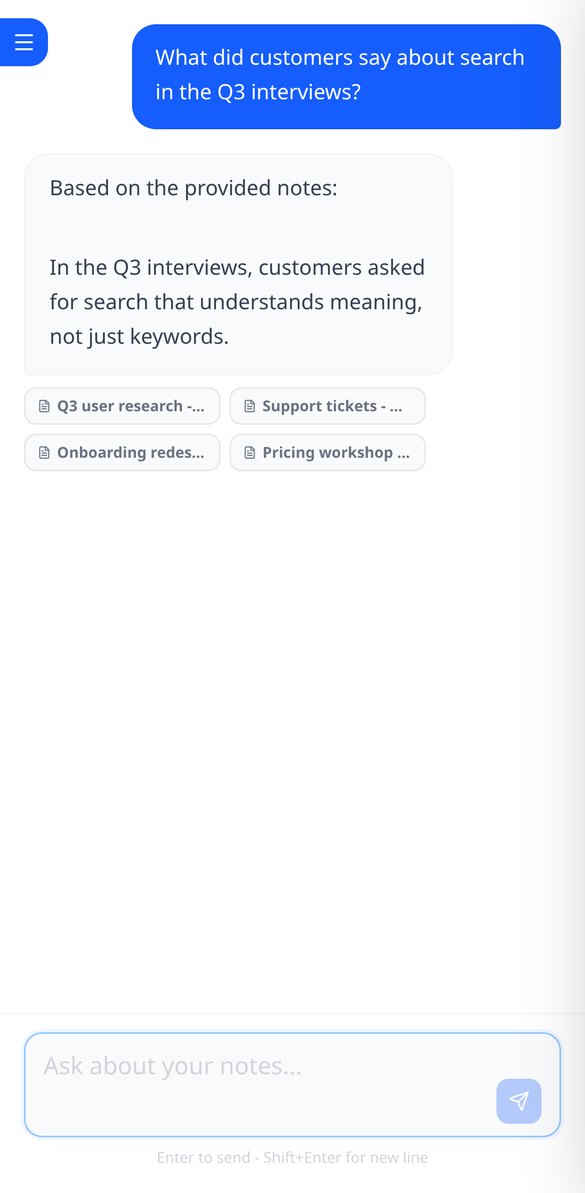
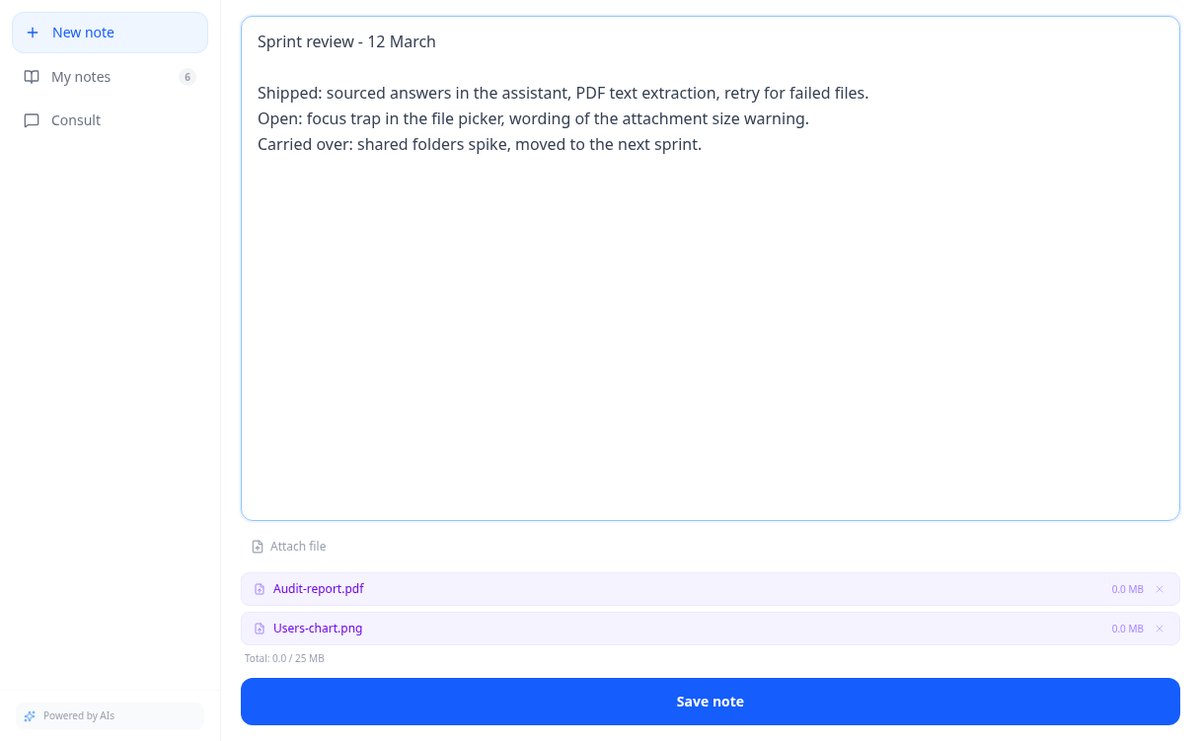
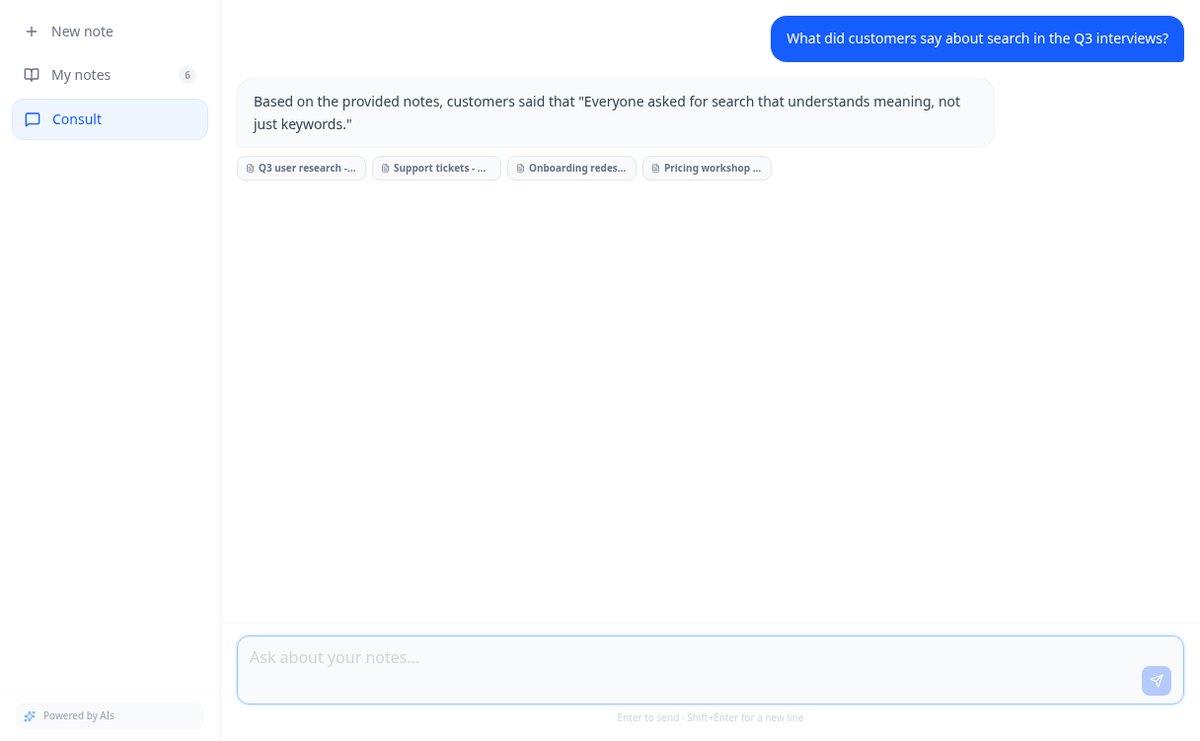
Save notes and attach PDFs and images to the same note. AiNotes reads everything and replies via chat, indicating which note each answer came from.
In the features that use AI, responses are generated by artificial intelligence and are not a substitute for professional advice.
Har du emnet i hovedet og i dokumentet, men kan ikke se strukturen?
Lineær tekst skjuler hierarkiet: man kan ikke se, hvad der hænger under hvad, hvad der mangler, og hvad der er overflødigt. aiMindMap tager udgangspunkt i en sætning eller dit dokument og giver dig det komplette træ med den centrale idé i midten og grenene fordelt på begge sider. Derfra skriver du bare: Tab opretter et barn, Enter en søskende, og mindmappet omarrangerer sig selv, uden overlap og uden at den node, du skriver i, skifter plads.
Start for free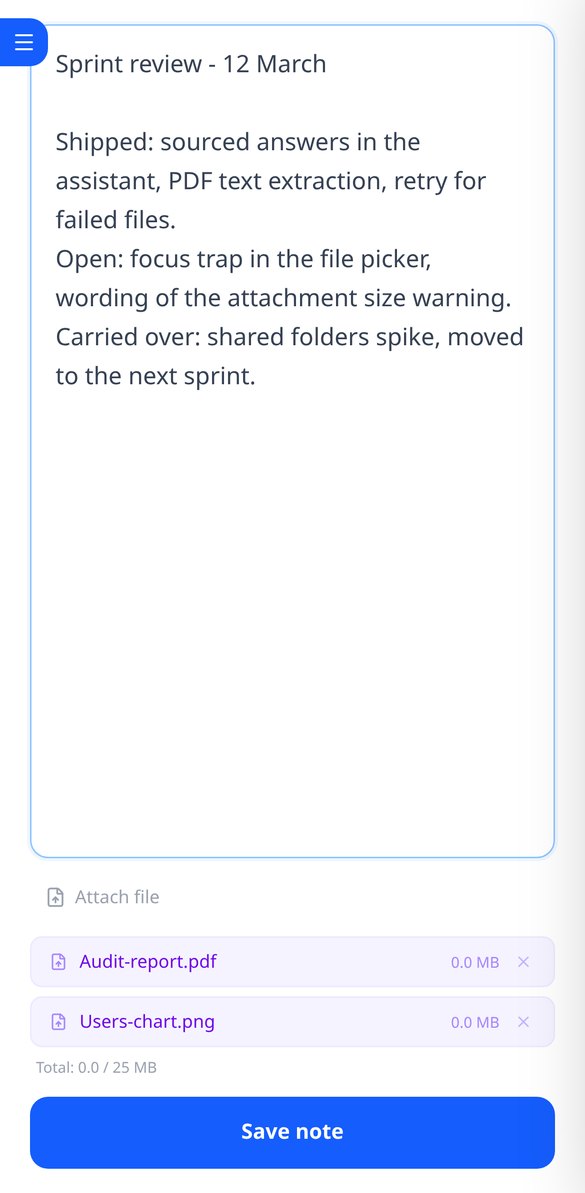
Discover every feature in detail
Online notebook for writing and editing free text | AiNotes
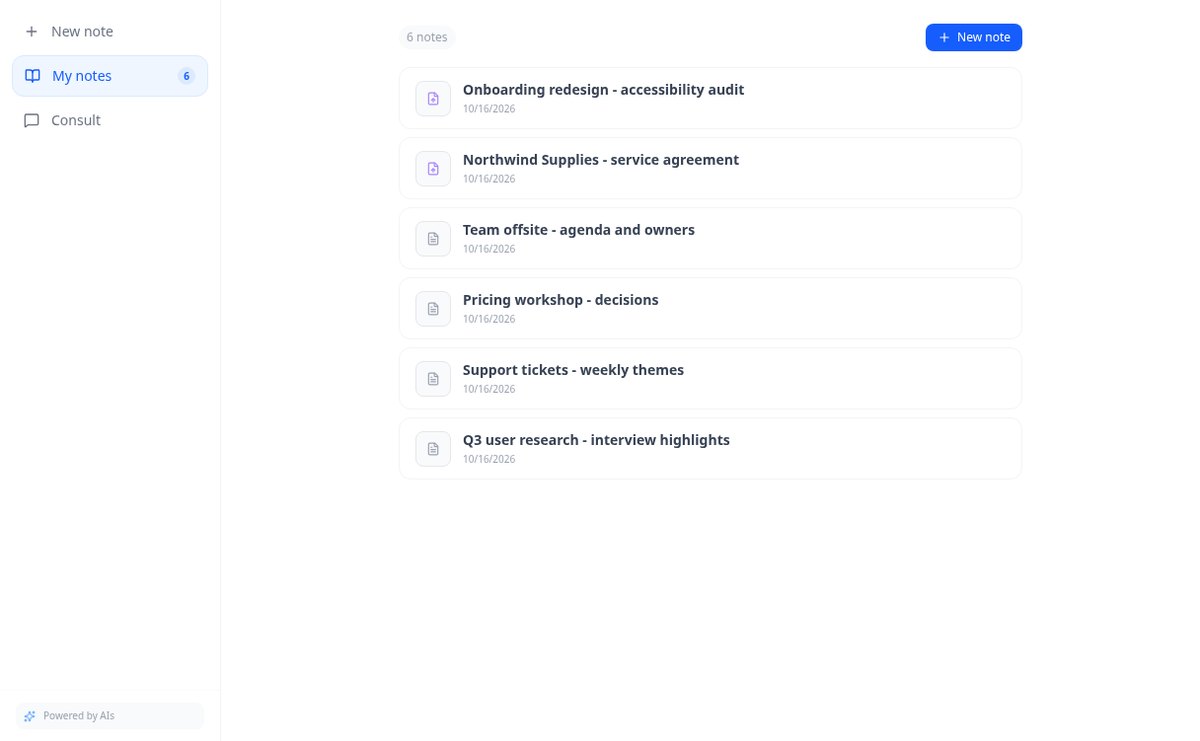
Write free text notes without templates and edit them whenever you want: AiNotes saves the content, generates the title automatically, and updates the index when corrected. Free.
View feature
Notes with attached PDFs and images, up to 25 MB per note | AiNotes
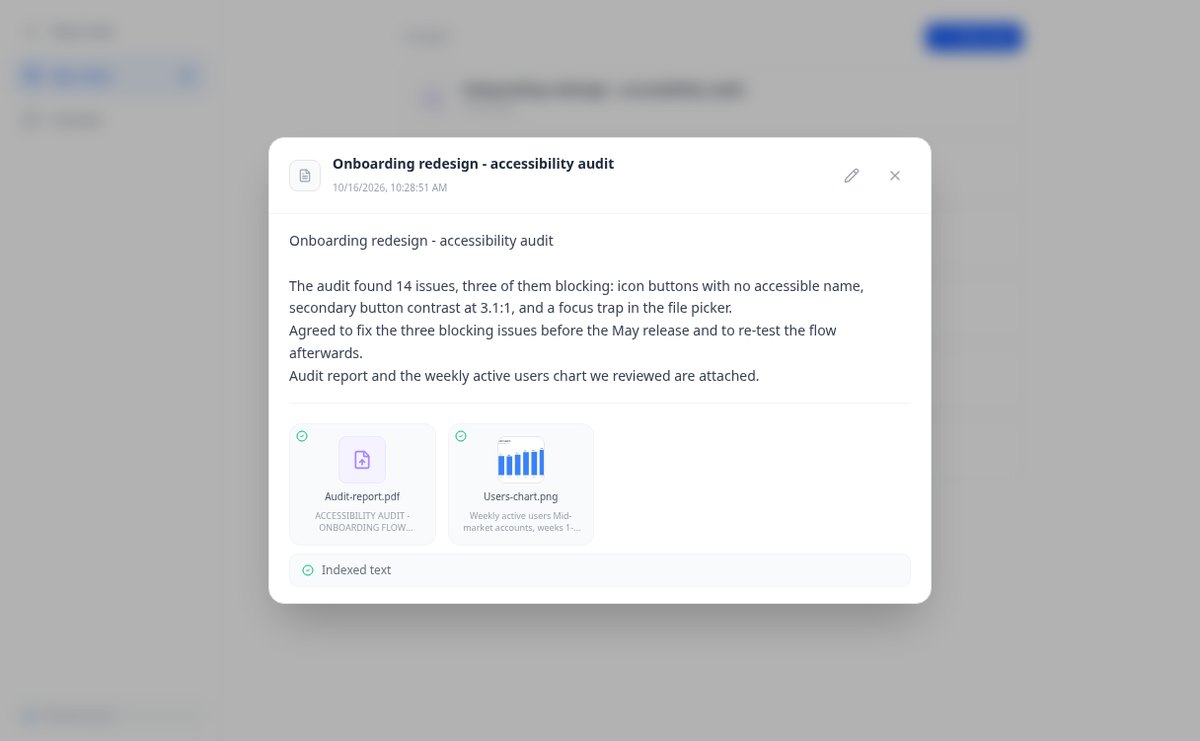
Attach multiple PDFs, PNG, JPG, WebP, or GIF to each note —up to 25 MB— by dragging them into the editor, and later query their content via chat. Free at AIsToHire.
View feature
Notes that index themselves with Gemini embeddings | AiNotes
AiNotes breaks down each note and attachment and converts them into vectors with gemini-embedding-001 upon saving, allowing for meaning-based searches and chat inquiries. Free at AIsToHire.
View feature
Chat that answers with your notes and cites the source | AiNotes
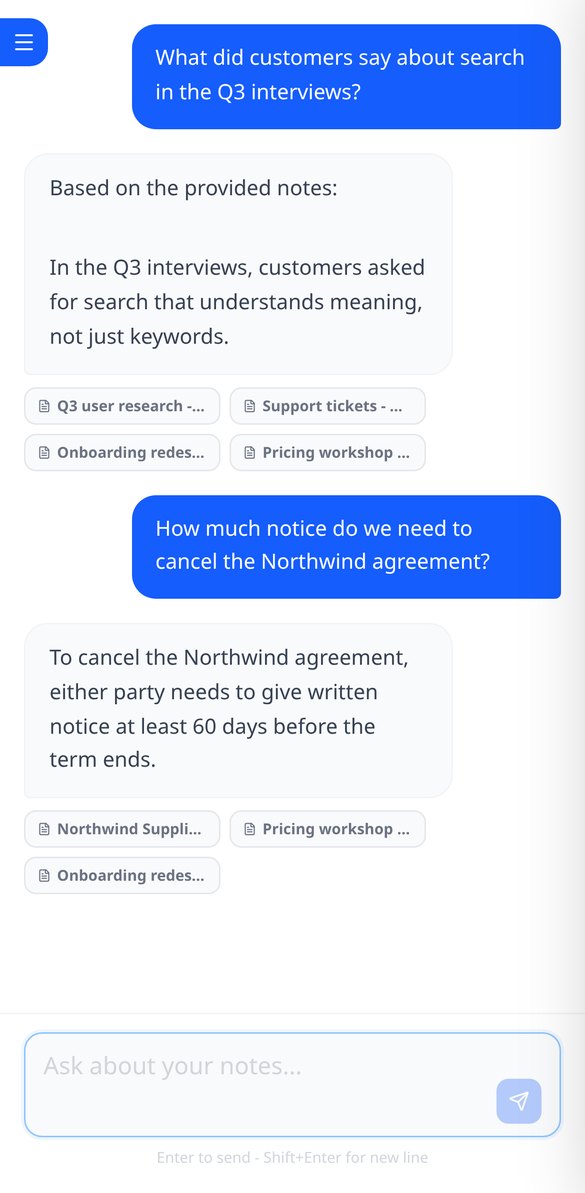
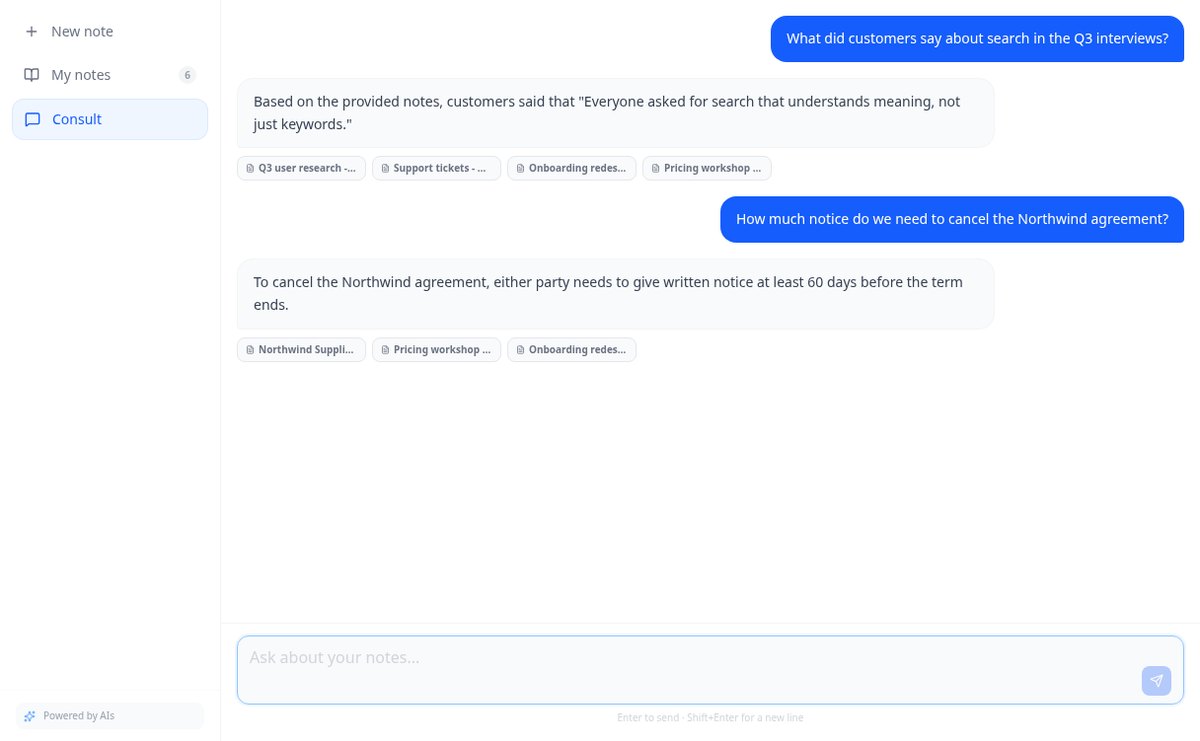
Ask your notes and PDFs: AiNotes searches for the 5 most relevant snippets, responds only with them, and shows the title of each note used. Free at AIsToHire.
View featureNotes that understand what you save
Det er ikke et blankt lærred med løse former: det er et træ med én rod, automatisk placering og AI som udgangspunkt.
Notes and documents in the same note
Write the note and attach PDFs or images (PNG, JPG, WebP, and GIF) by dragging them, up to 25 MB per note. Everything stays together, with preview and download.
AI reads every note and every file
When you save, AiNotes automatically splits and indexes the content. You see the status of each item (processing, ready, or error) and can retry the one that fails.
Chat that answers by citing your notes
Ask in your own words and the assistant responds using only your content, showing the notes it got the information from. If it's not in your notes, it tells you.
Get started in three steps
Skriv emnet eller upload dokumentet
Opret et tomt mindmap, start fra en skabelon (projekt, pensum, referat, SWOT, manuskript) eller lad AI'en generere det ud fra dit emne eller din PDF.
Rediger og udvid
Tab for at gå et niveau ned, Enter for at blive på samme niveau, træk for at omorganisere, og bed AI'en udvide den gren, der virker for kort.
Præsentér eller eksportér det
Gennemgå mindmappet i præsentationstilstand, eller download det som PNG, PDF eller Markdown for at dele det med dem, der skal læse det.
Frequently asked questions
Latest blog articles
Guides and news to get more out of it
Is it legal for an AI bot to record and transcribe your meetings? What has changed in 2026
Lawsuits against Otter.ai, the position of the AEPD from January 2026, and a checklist for transcribing meetings with AI without violating the GDPR.
Search for data in your PDFs and notes: why Ctrl+F fails you and what really works
Ctrl+F finds nothing in a scanned PDF because it contains an image, not text. We explain why and how to ask your own notes and PDFs.
Start asking your notes
Opret din konto gratis og forvandl dit første emne eller din første PDF til et mindmap allerede i dag.